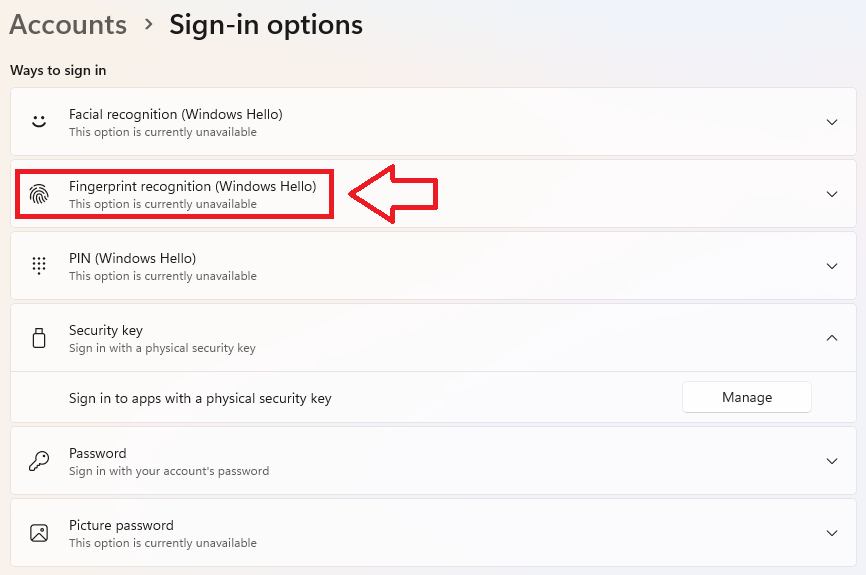
To enrol fingerprints on a FIDO2 security key, first launching the windows setting home page then selecting your sign-in options;
Click on the "Set up" button, then when prompted enter your newly supplied PIN code,
You will be presented with a prompt to touch the fingerprint sensor;
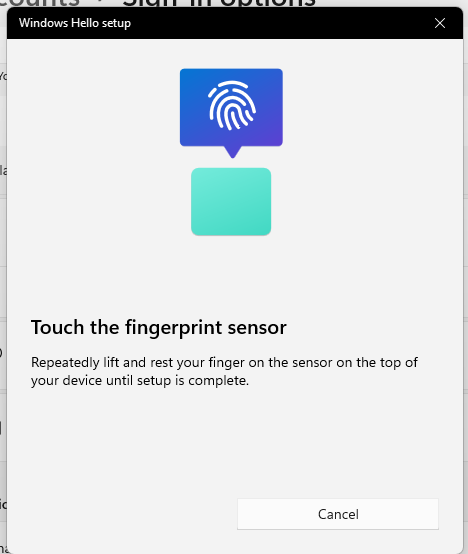
A grey diagram of a fingerprint will show, and with each touch of your finger on the sensor, more of the diagram will turn blue;


Eventually your fingerprint will be registered, and you will be allow to add additional fingerprints;
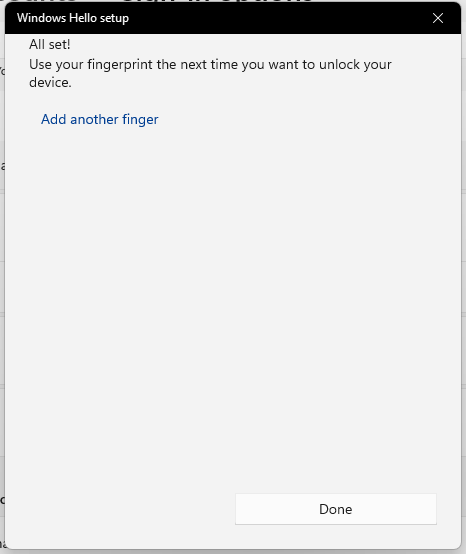
When all fingers have been registered click on the "Done" button.
For Mac and Linux systems it is possible to enrol a FIDO2 Key using a tool that is built into the latest version of the Chrome browser.
This tool is available in the latest Chrome browser in macOS and Linux core system.
Users can find this tool in “Chrome Settings” => “Privacy and security” => “Manage security keys” . This tool provides the capability to manage PIN, fingerprint and credentials inside the security key and reset the device..