To change an existing PIN code, first launching the windows setting home page then selecting your sign-in options;
Click on the "Change" button;
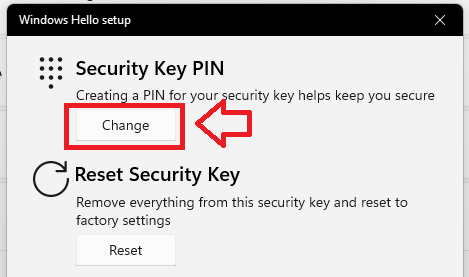 .
.
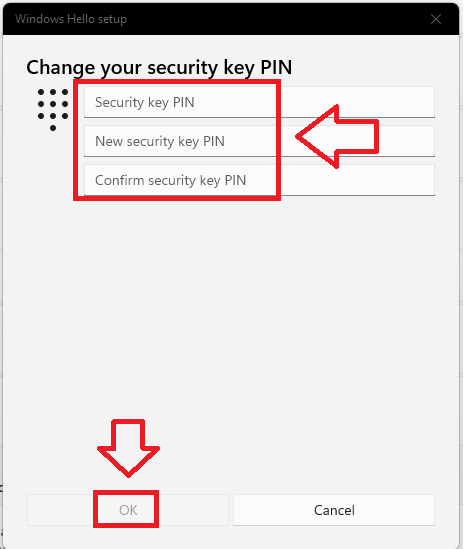
You will then be prompted to change your existing PIN to a new one.
Enter you current PIN and two copies of the new replacement PIN code, then click "OK";
For Mac and Linux systems it is possible to change a PIN using a tool that is built into the latest version of the Chrome browser.
This tool is available in the latest Chrome browser in macOS and Linux core system.
Users can find this tool in “Chrome Settings” => “Privacy and security” => “Manage security keys” . This tool provides the capability to manage PIN, fingerprint and credentials inside the security key and reset the device.