Adding a USB FIDO2 key as an authentication method for your Microsoft account
Non-corporate Microsoft personal accounts can be protected by adding password-less, and 2fa authentication to your account.
In order to add Fido2 authentication to your Microsoft account you first need prepare your account using the follow procedure;
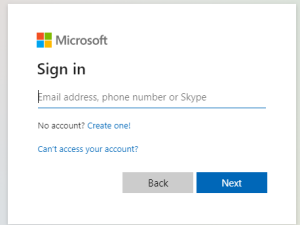
- Once you have logged in to your account click on the
 icon; icon;
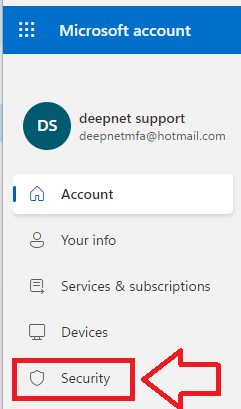
- Click on the security option "Advanced security options"
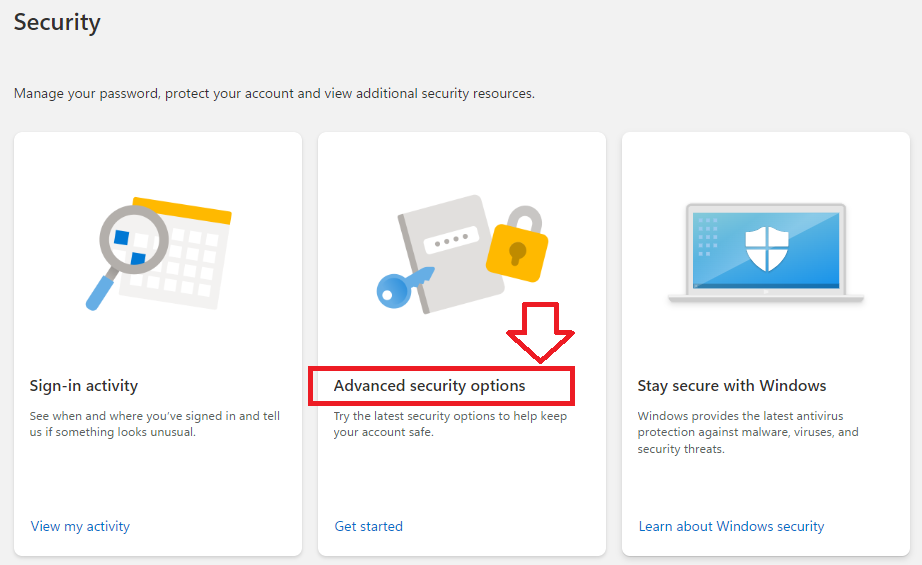
- You will now be presented with the currently selected authentication options for your Microsoft account. If you have not already added a passkey click on

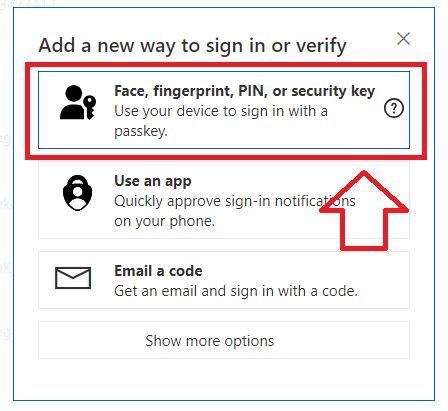
- In order to add your Fido2 key as an authentication method you will now need to select the option "Face, fingerprint, PIN or security key";
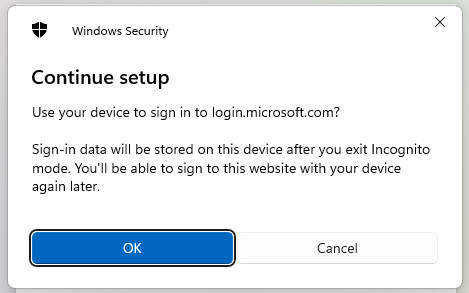
- A new popup window titled "Continue setup" will now open asking if you want to use your device to sign in to login.microsoft.com, click
 ; ;
- You will now be asked to select where to save this passkey, select
 , then click , then click  . .
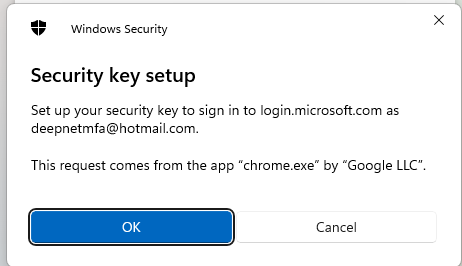
- A new popup titled "Security key setup" will now open, click
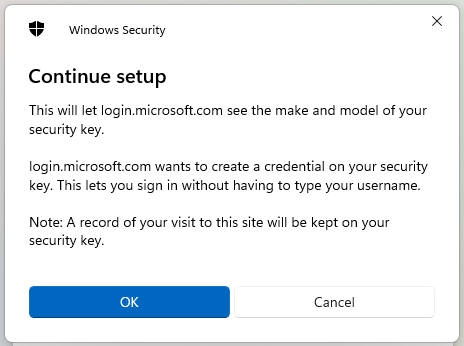
 , and at the "Continue setup" prompt click ; , and at the "Continue setup" prompt click ;
- You will now be prompted to insert your security key into the USB port, Insert the Fido key;
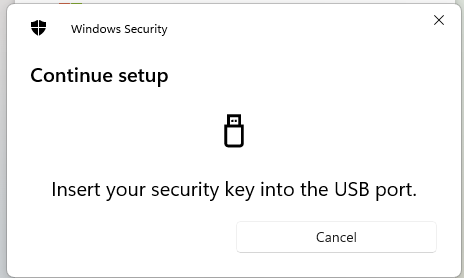
- Upon detection of the Fido key the prompt will change to requesting a PIN code,
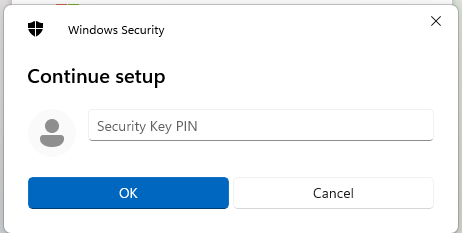
Supply the numeric pin you require then click  ; ;
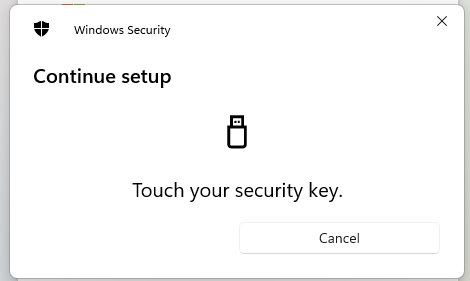
- You will now be prompted to touch the button on the Fido key;
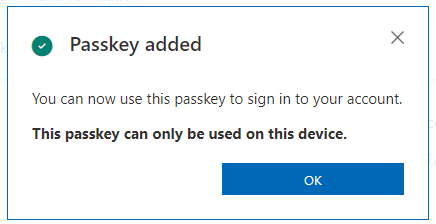
- After pressing the button you will be informed that the Passkey has been saved;
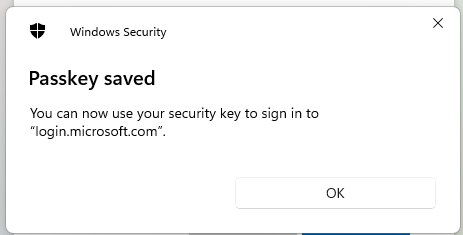
- Click
 , and after a short delay you will be asked to name the passkey, supply a suitable name for you key then click , and after a short delay you will be asked to name the passkey, supply a suitable name for you key then click  ; ;
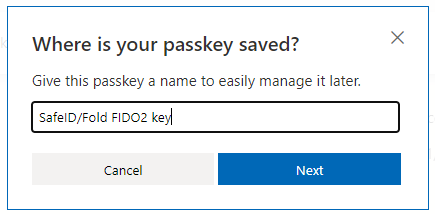
- Your FIDO2 key will now be notified that your Fido2 device has been added as an additional authentication method for your Microsoft account;
|
Enabling Two-step verification on your Microsoft account
Once the Fido Key has been added as an authentication method when signing to your account.
Two-step verification is enabled on your Microsoft account using the following procedure;
Once you have logged in to your account click on the icon;
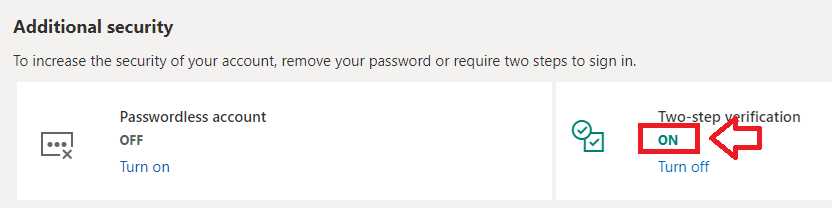
- Click on the security option "Advanced security options", then scroll down to the section "Additional security"
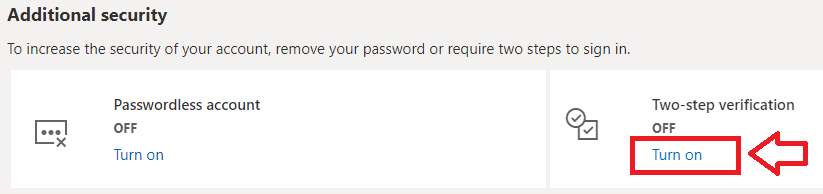
- In order to enable Two-step verification, click on the "Turn on" option as indicated above, and you will be asked to confirm that you want Two-step verification enabledd;
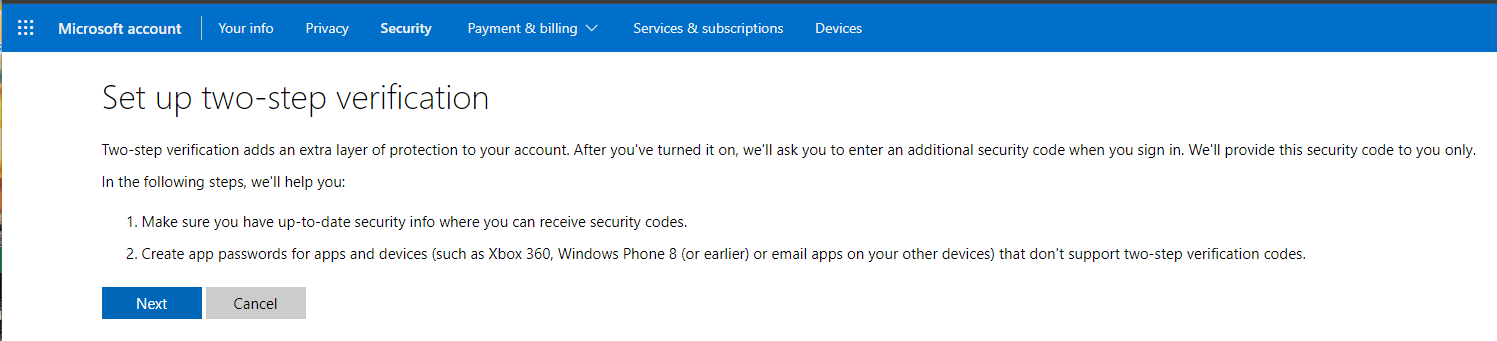
Click 
- You will now be informed that an app password will be synchronised with you Microsoft account, Click , then click

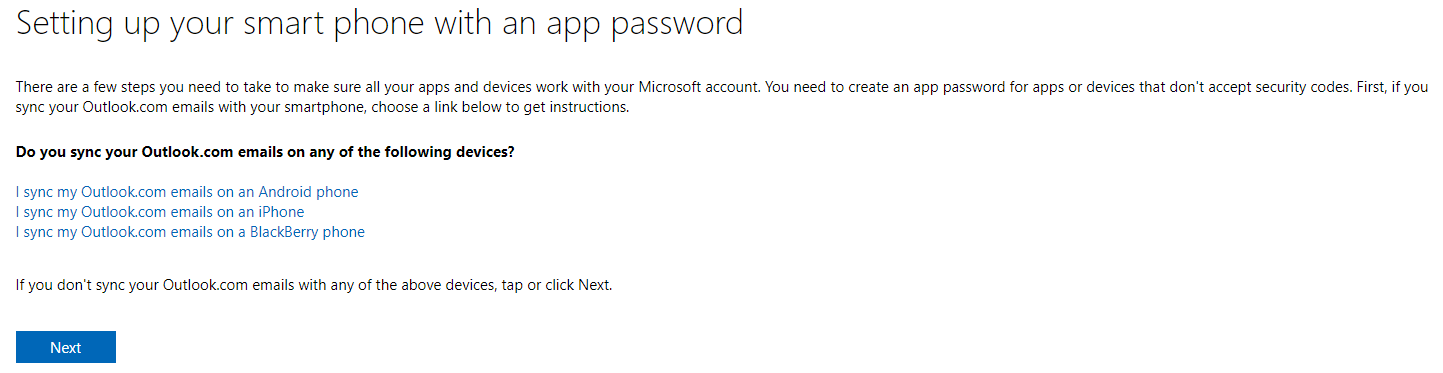
- Two step verification will now be enabled on your Microsoft account;
|

Related Articles
 icon, the supplying your login credentials,