Login with an admin account into the Okta admin console
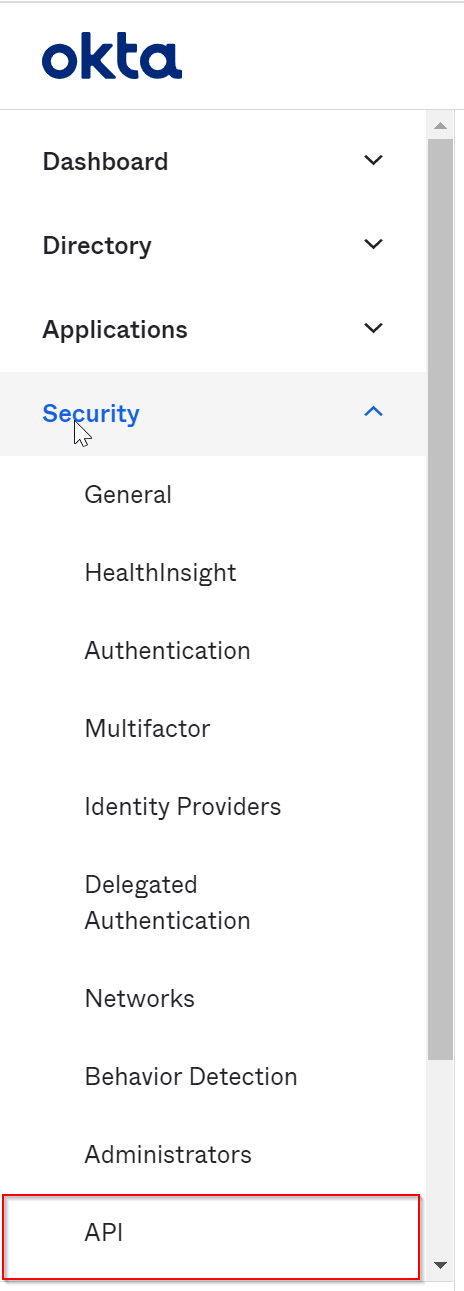
Click "Security" in the main menu, then click "API"
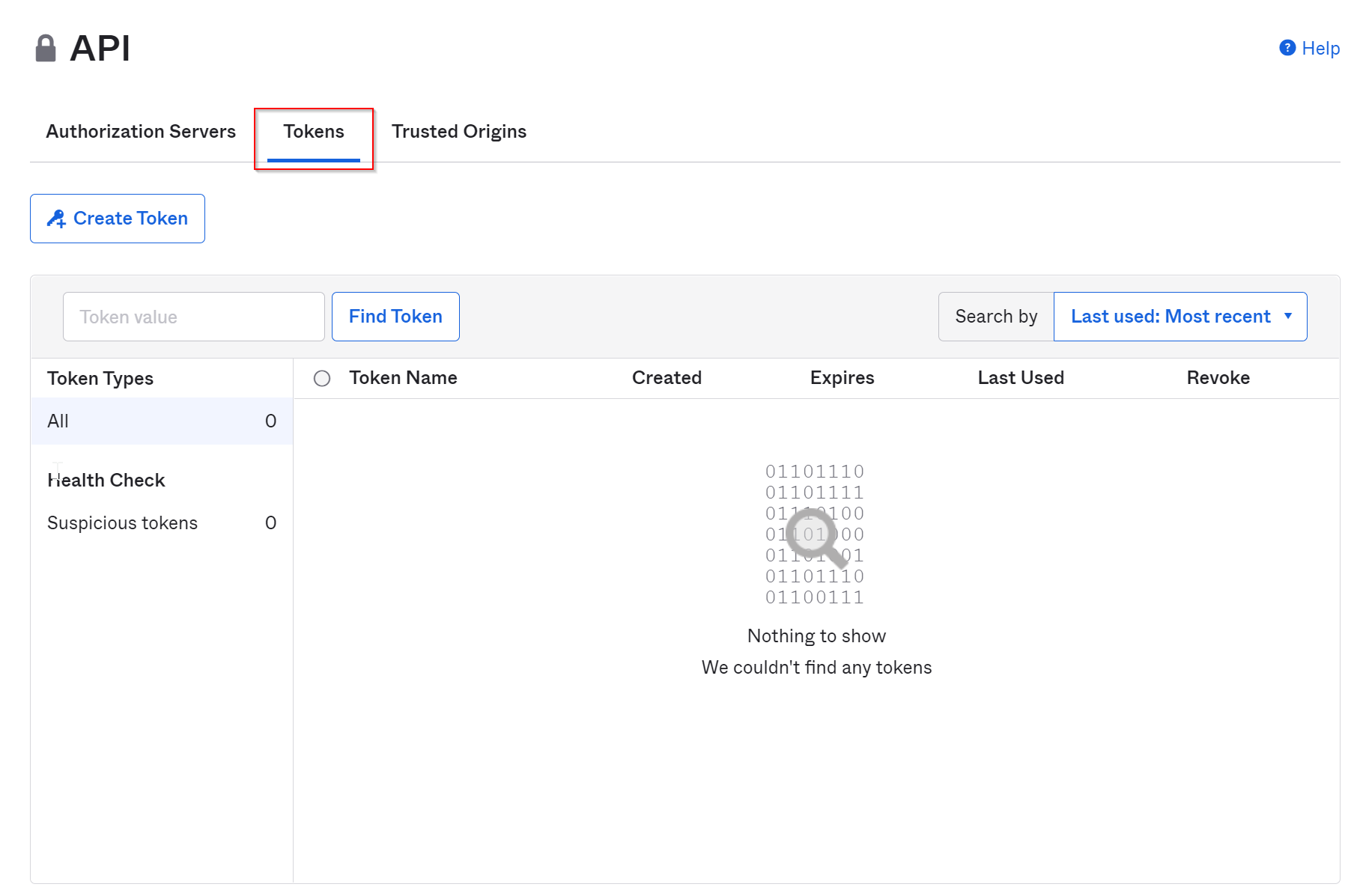
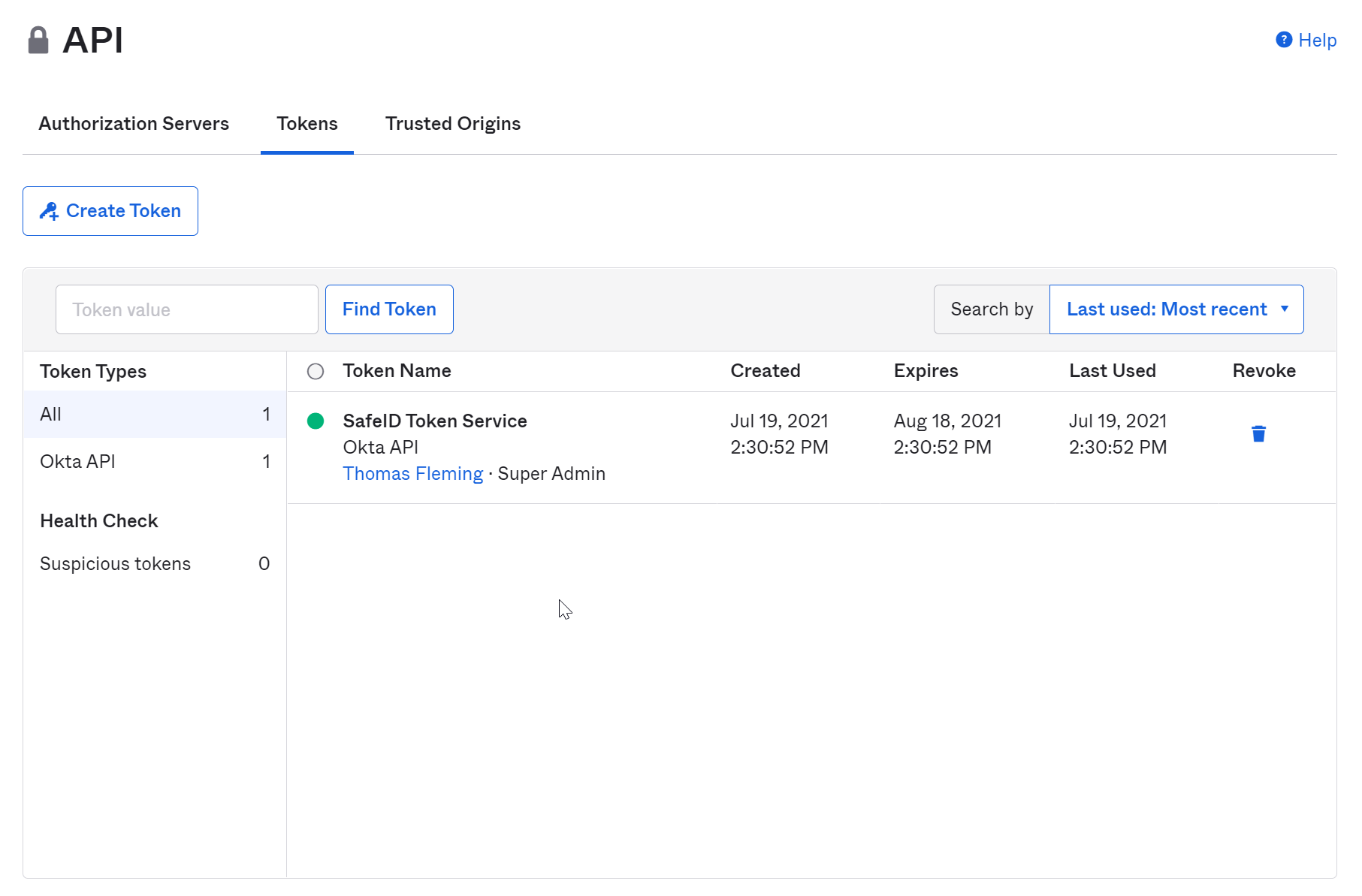
On the API page, click the "Tokens" tab
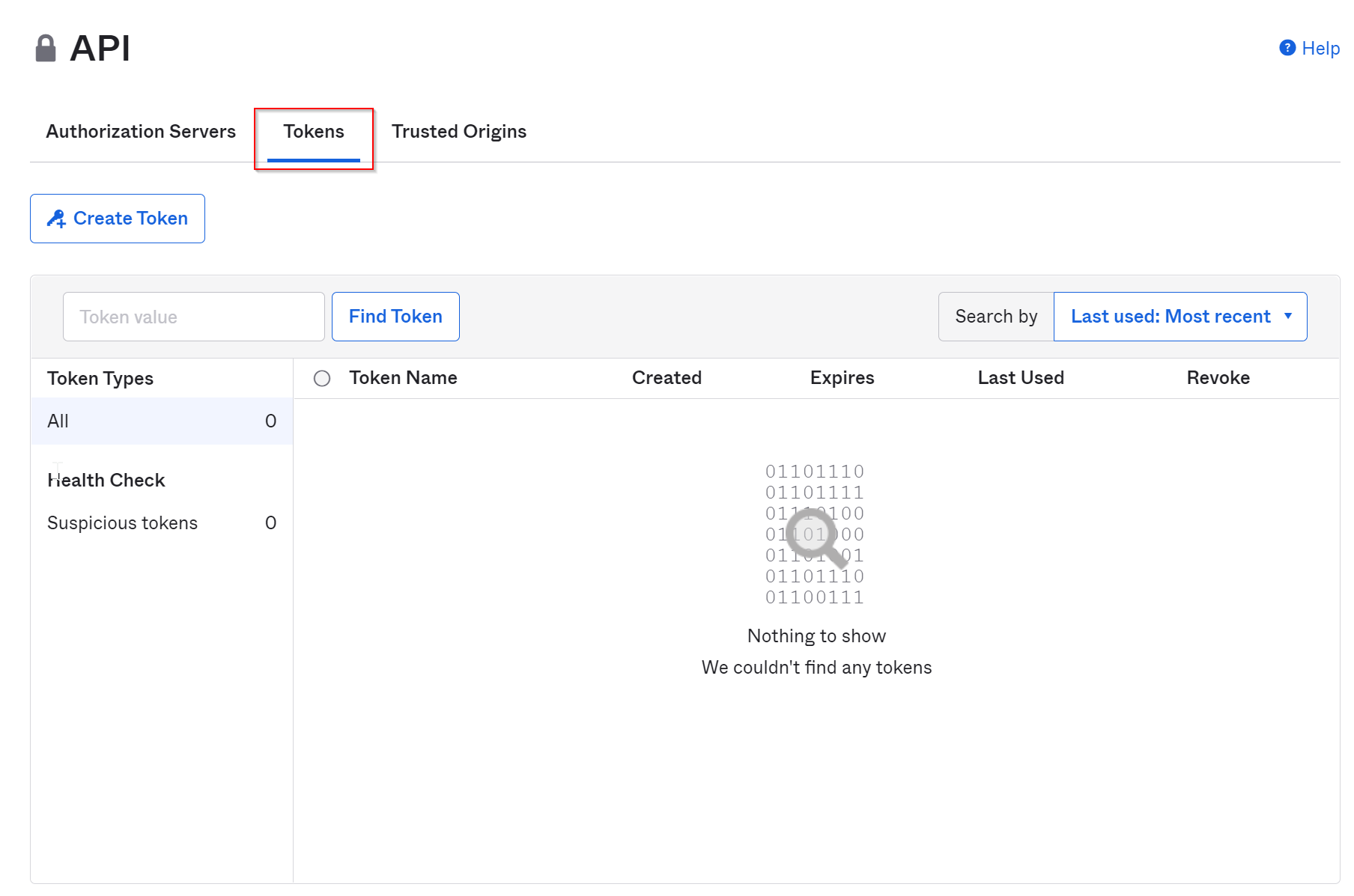
Click the "Create Token" button
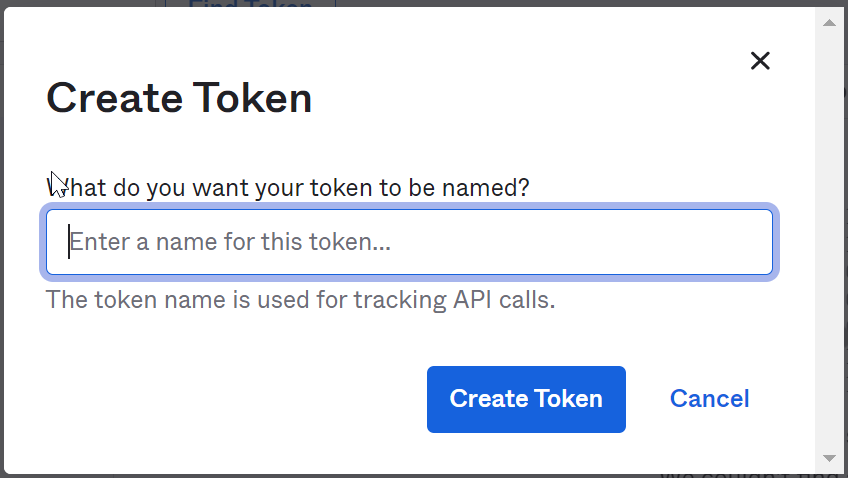
Enter a name for the token, e.g. "SafeID Token Service"
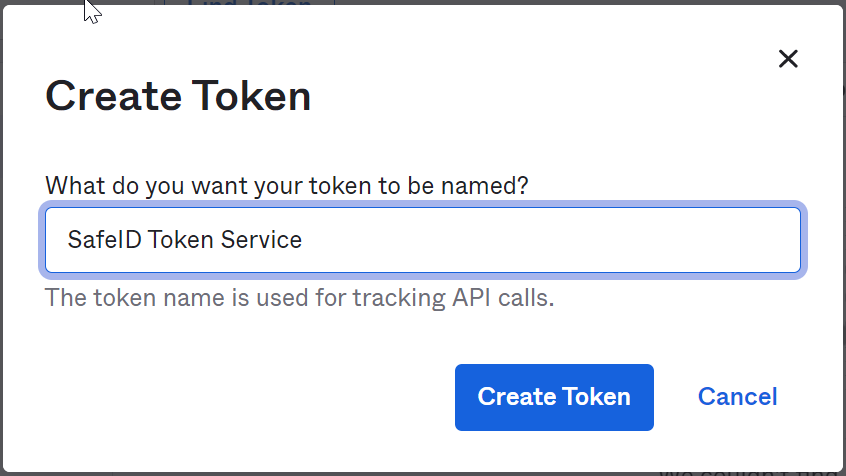
Click "Create Token"
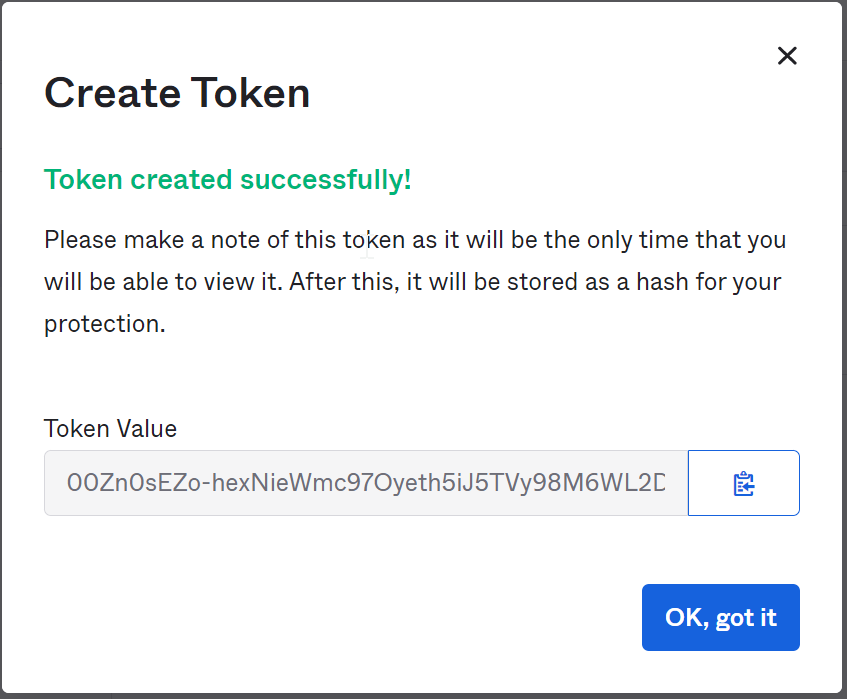
Now, you must take a copy of the Token Value as you will need it in the next steps.
Dismiss the popup window by clicking "OK, got it"
Now, login into the SafeID Admin Console
Select "Directory" in the main menu
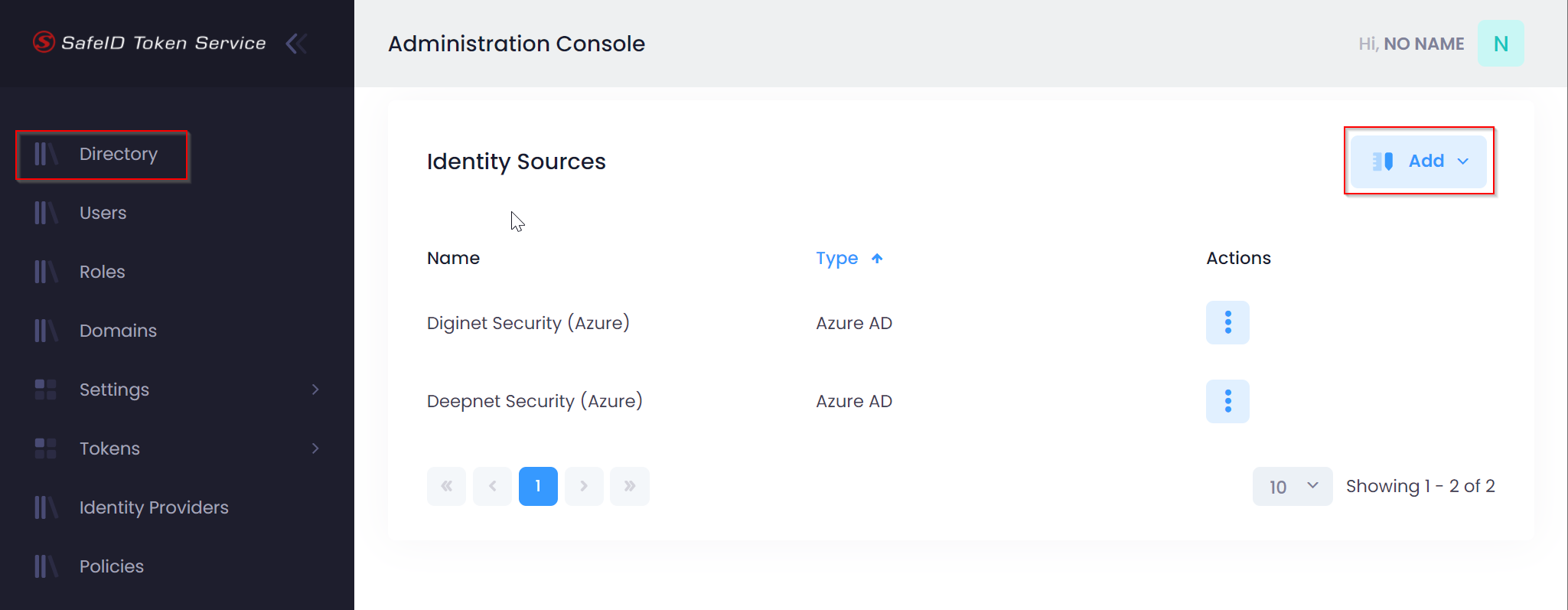
Click the "Add" button
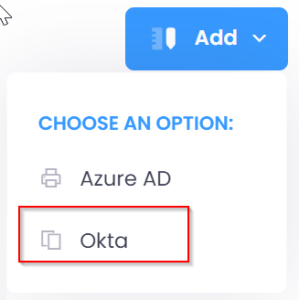
Select "Okta"

Enter the Name, Domain and ApiKey
Click the "Create" button
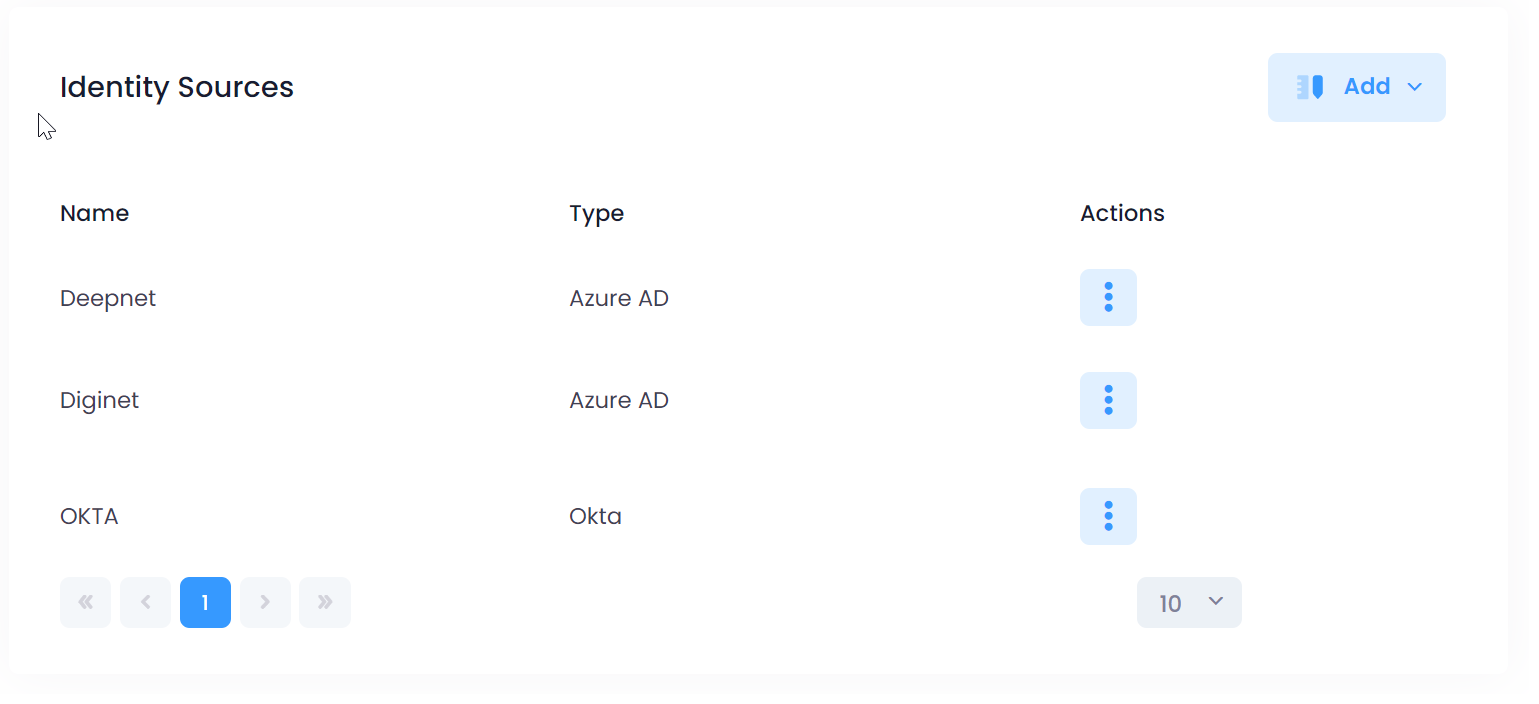
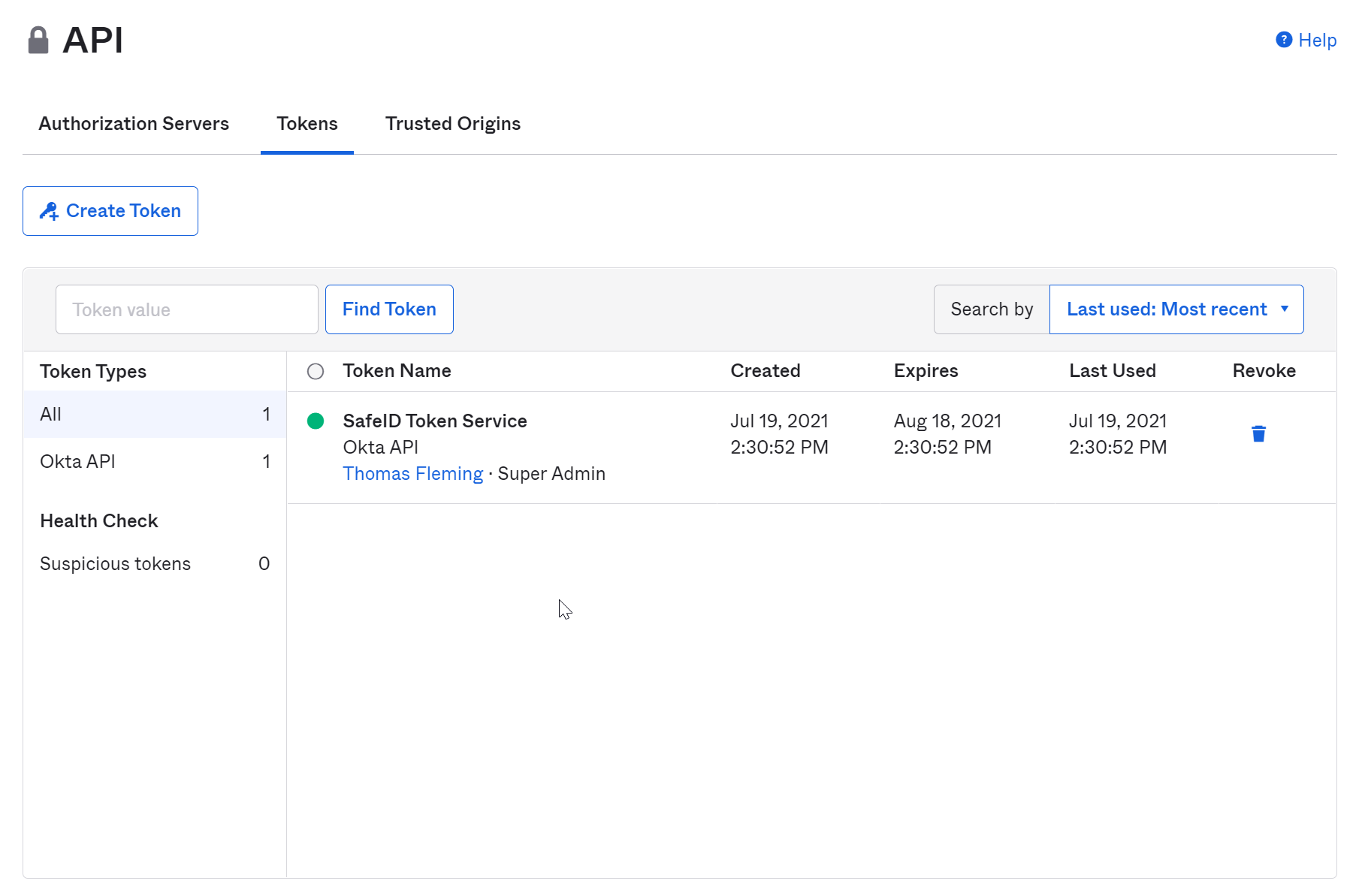
After the new Identity Source "OKTA" has been successfully added, you can remove the API token from your OKTA account.
In the OKTA admin console, select "Security | API | Tokens"
Click the delete icon next to the API token that you created in the earlier steps.
Click the Revoke button to delete the API token
|