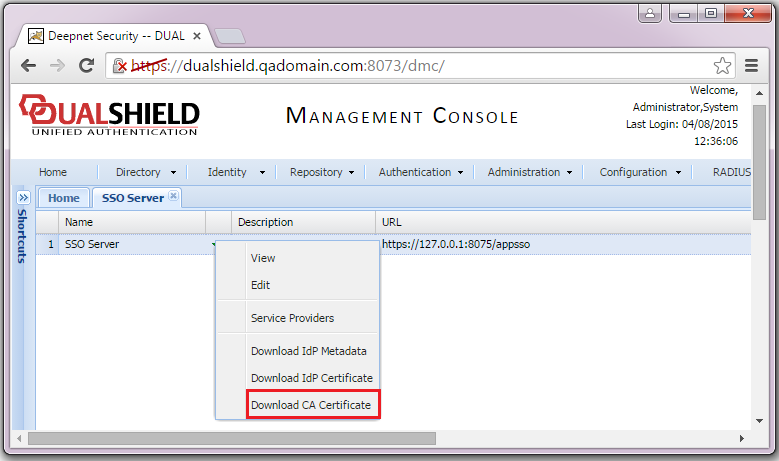
Download the DualShield IdP Certificate
Log into DualShield Management Console, tab "SSO | SSO Servers", click "Download IdP Certificate" and save to a local file, e.g. DualShieldIdP.crt.
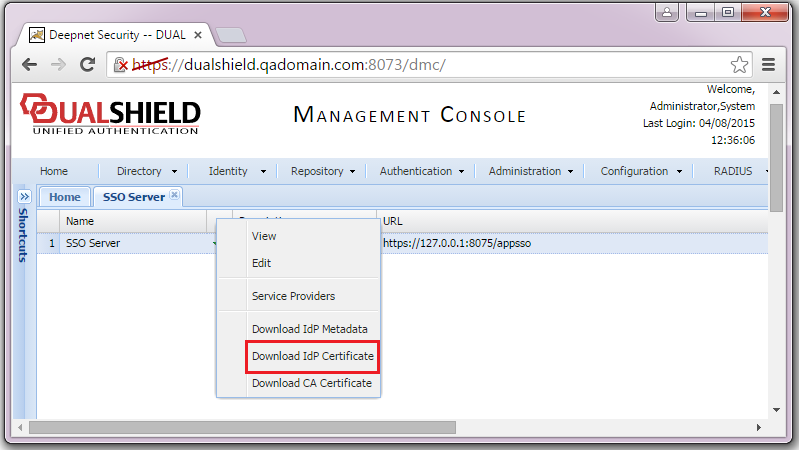
Log into DualShield Management Console, tab "SSO | SSO Servers", click "Download IdP Certificate" and save to a local file, e.g. DualShieldIdP.crt.
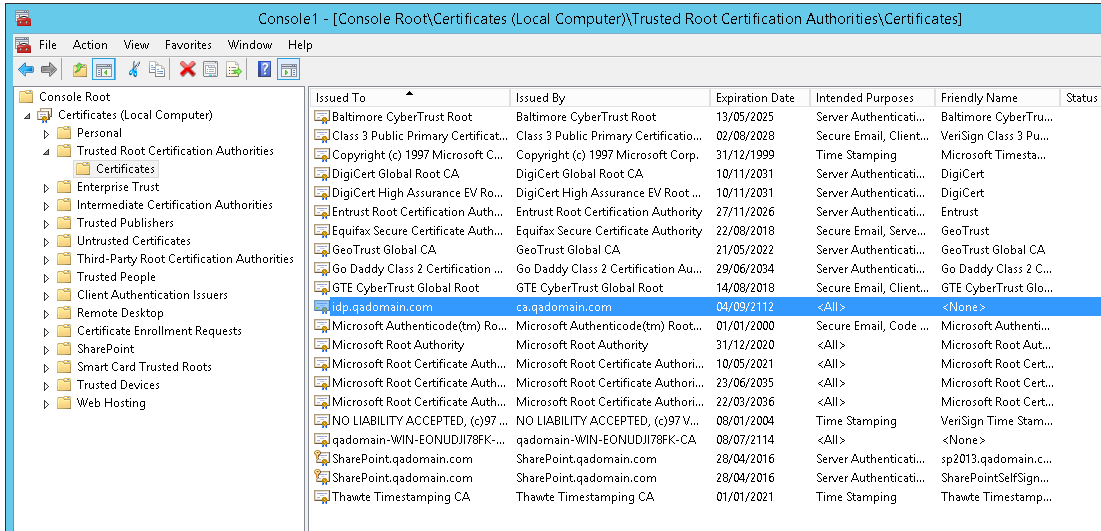
Note: If the IdP certificate is a self-signed certificate, you need to import the certificate into SharePoint machine account.
Select "SSO | SSO Servers", click "Download CA certificate" and save to a local file, e.g. SSOServerCA.crt.