To assign a number of tokens in one single operation, you will first need to create a CSV (Comma Separated Values) file, then use the assign tokens feature in the Token Repository.
CSV is a delimited data format that has fields/columns separated by the comma character and records/rows terminated by newlines. Fields that contain a special character (comma, newline, or double quote), must be enclosed in double quotes. If a line contains a single entry which is the empty string, it may be enclosed in double quotes. If a field's value contains a double quote character it is escaped by placing another double quote character next to it.
The first line in a csv file must contain column names in each field. The column names for the token batch assignment are:
Note that column names are case sensitive.
| domain | The name of the domain in which the user resides |
| loginName | The user’s login name |
| manufacturerCode | The manufacturer code of the token. Tokens produced by Deepnet Security have the manufacturer code: DN |
| productCode | The product code of the token. Tokens produced by Deepnet Security have the following codes: ST: SafeID, Time-Based SE: SafeID, Event-Based |
| serial | The serial number of the token |
Example:
domain, loginName, manufacturerCode,productCode,serial "deepnetsecurity.com", "user1.test", DN, ST, 20001001 "deepnetsecurity.com", "user2.test", DN, SE, 10001002 |
The above CSV file will assign two tokens:
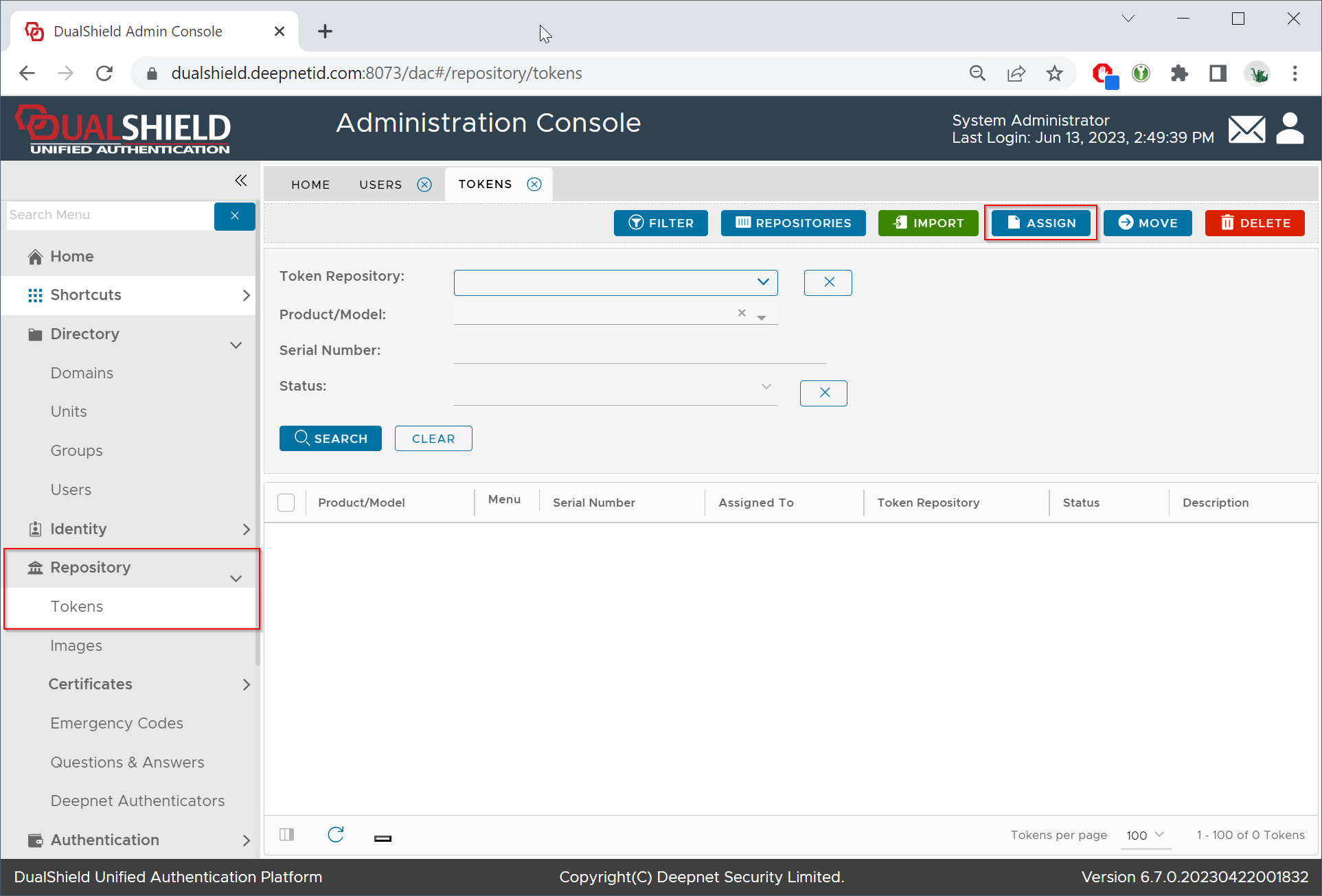
To bulk assign tokens to users from a CSV file, navigate to Repository \ Tokens
Click the "ASSIGN" button
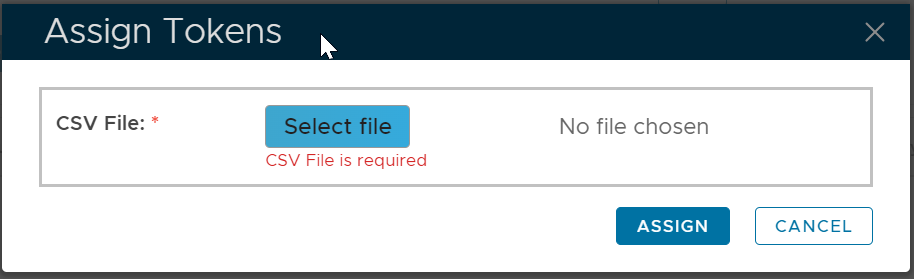
Select the CSV file
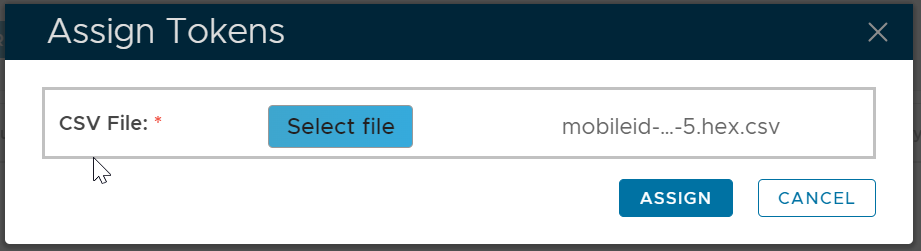
Click the "ASSIGN" button to start the bulk assignment process.