You can secure communication by installing the Chisel Add-on which allows Secure SSL communication via port 12843.
There are two installation files that you need to download from https://support.deepnetsecurity.com/visit.asp?pg=download/dualshield

computer-logon-chisel-agent-addon-installer will need to be installed on the same machine you have installed the Computer Logon agent.
windows-computer-logon-chisel-client-addon-installer will need to be installed on all the machines which are protected by the Computer Logon Client.
Install the Chisel Agent add-on
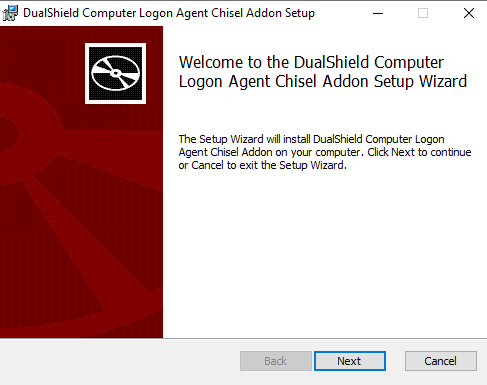
Run the computer-logon-chisel-agent-addon-installer-x.x.xx.xxxx.msi file and follow the on-screen prompts |
|
Click on  on the top right.
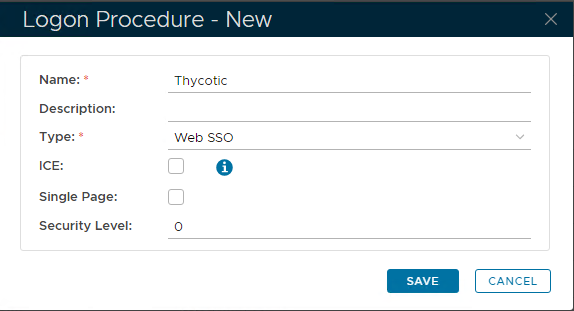
In the new Logon Procedure window, please enter the following information: | Option | Value |
|---|
| Name: | Enter a friendly name | | Type: | Web SSO |
Click: Save |
|
Add Logon Steps
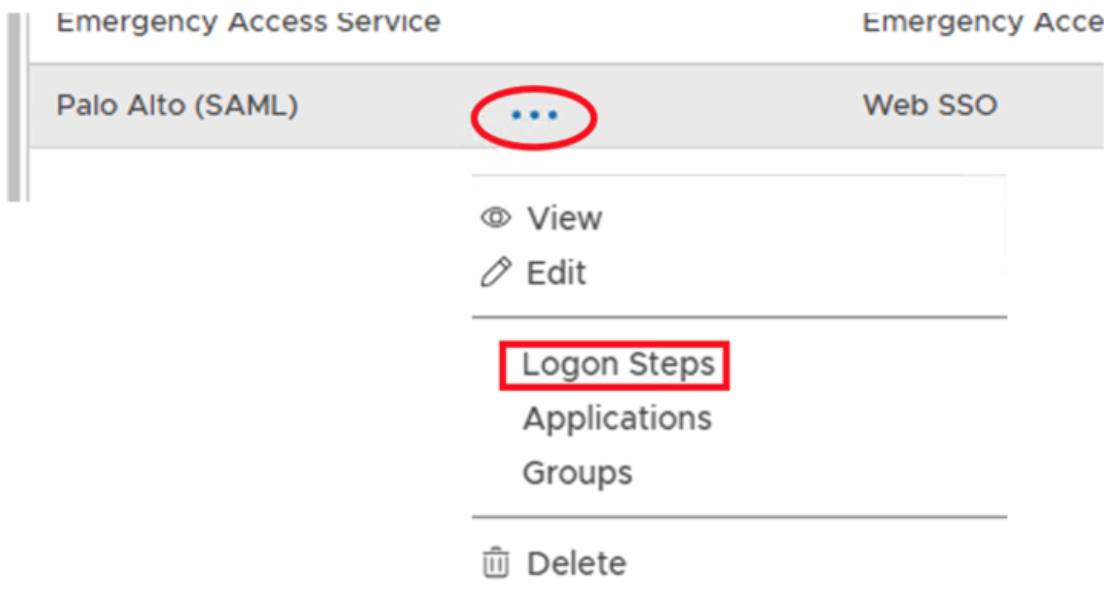
Select the drop down menu corresponding to the Logon Procedure you will be using and click on Logon Steps. |
|
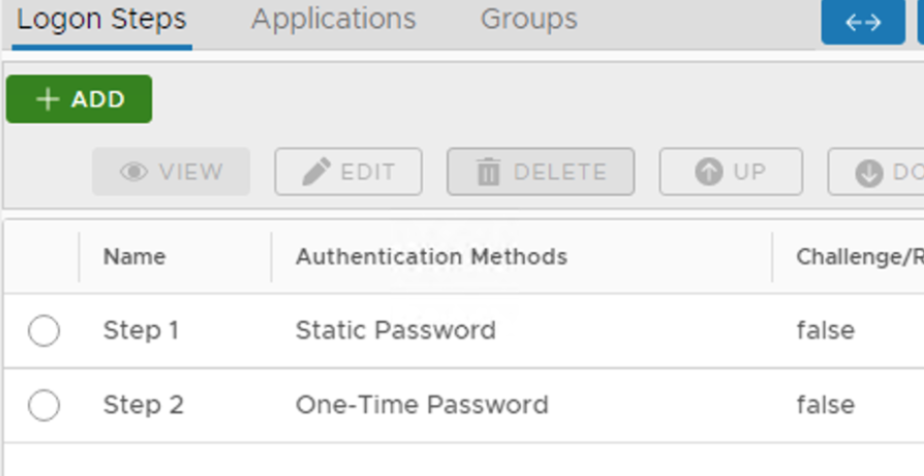
In the Logon Steps Dialogue box, click the  button.
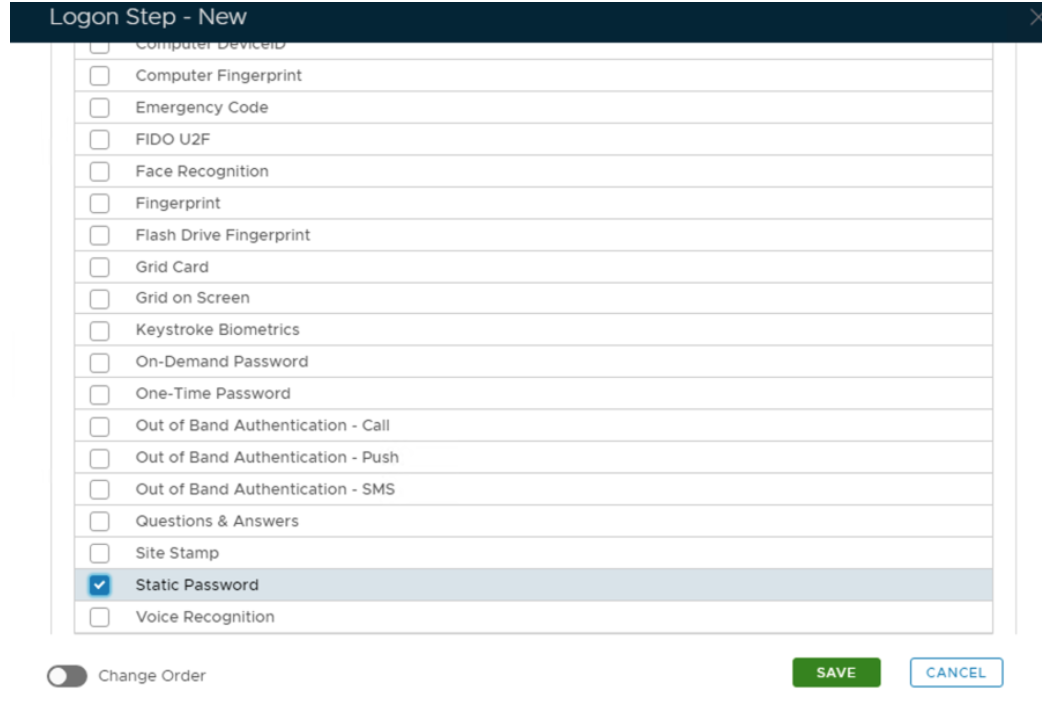
Tick the desired authentication method, e.g. Static Password |
|
Click Save.
Repeat to add extra steps.
| I have added two steps; Static Password and One-Time Password |
|
Create an Application
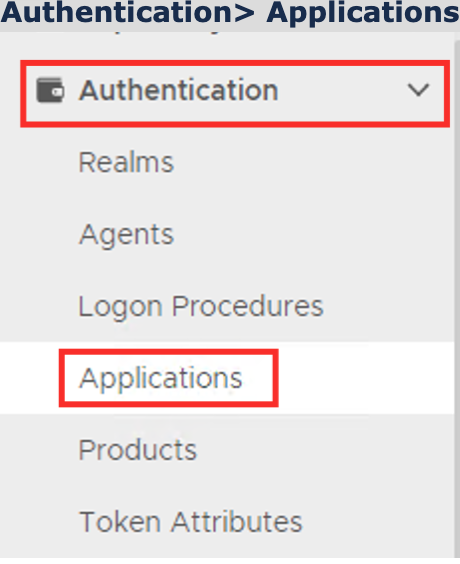
Authentication> Applications |
|
Click on on the top right.
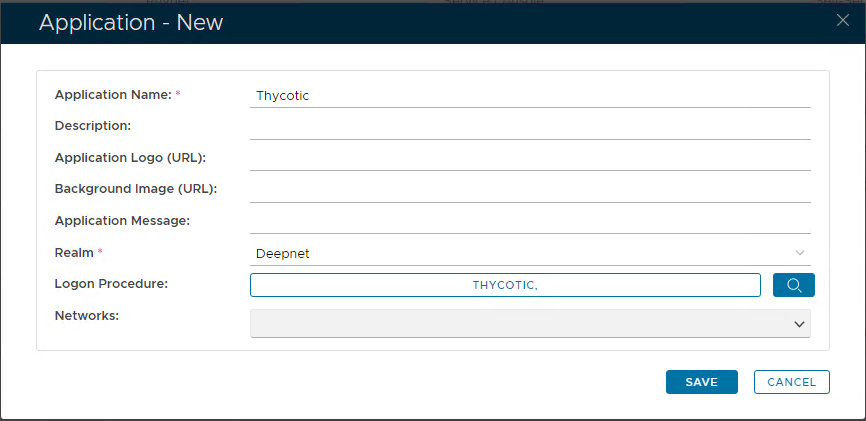
In the new Application window, please enter the following information: | Option | Value |
|---|
| Name: | Enter a friendly name | | Realm: | Select your Realm | | Logon Procedure: | Select the Logon Procedure you had created in the previous step |
Click: Save |
|
Bind the Application to an SSO Server Agent