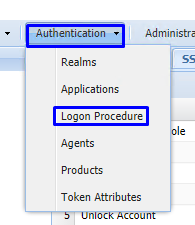
On the Management Console go to Authentication> Logon Procedure
Create a new logon procedure as follows:
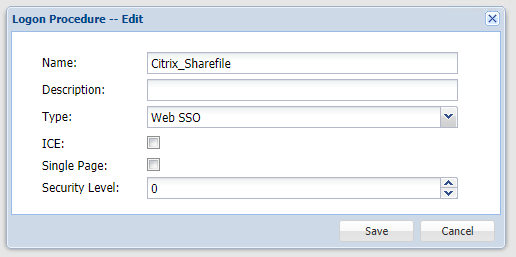
Name: Citrix_Sharefile
Type: Web SSO
Click: Save
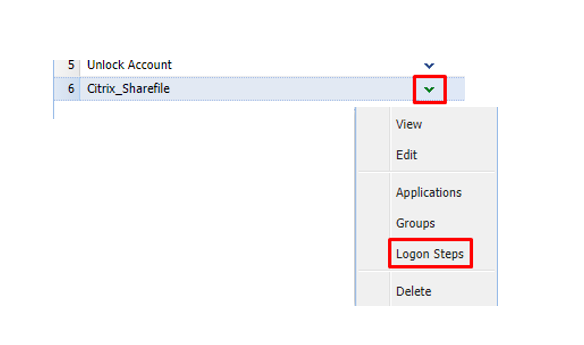
Select the drop down menu corresponding to the Logon Procedure you will be using and click on Logon Steps.
In the popup windows, click the  button on the toolbar
Select the desired authentication method, e.g. Static Password
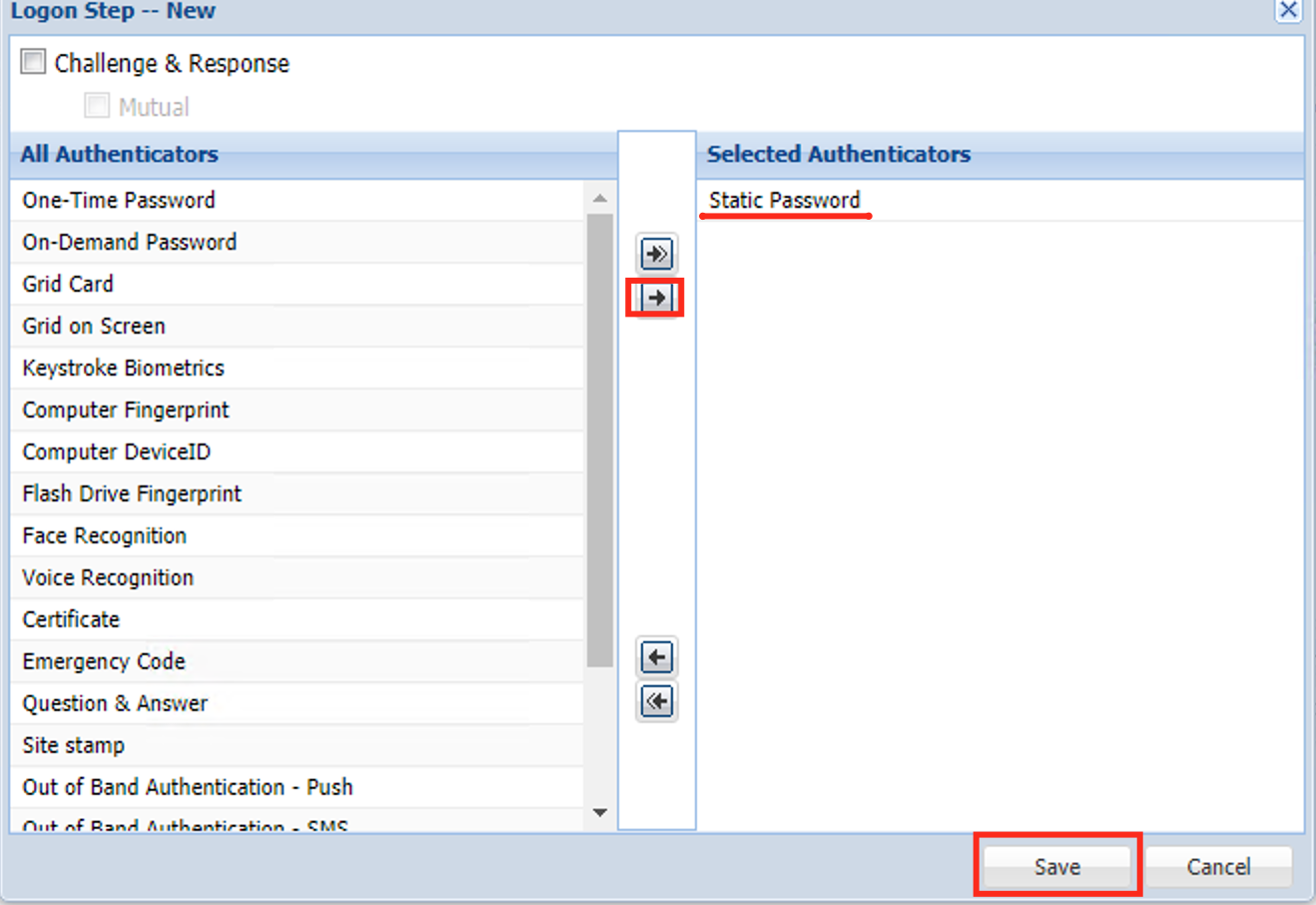
Click Save
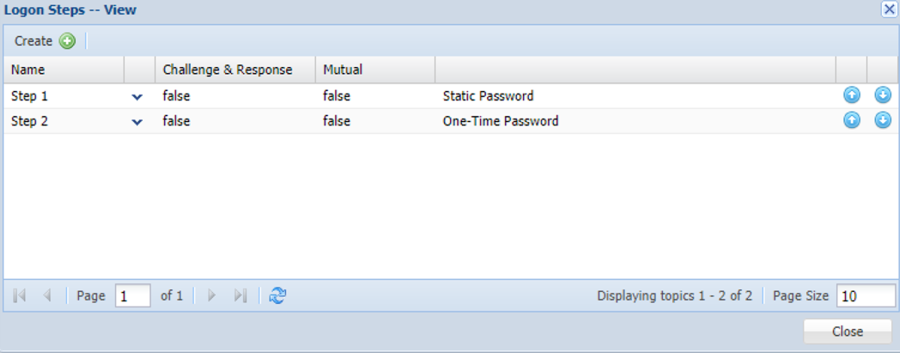
Repeat to add more logon steps if desired, e.g. One-Time Password
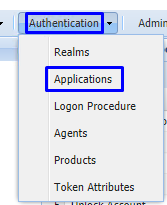
On the Management Console go to Authentication>Applications
Create a new Application as follows:
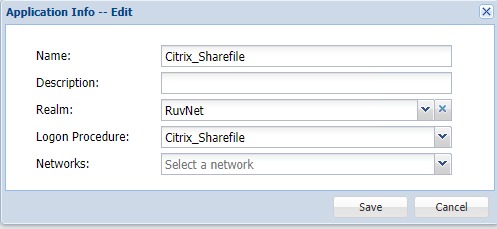
Name: Citrix_Sharefile
Realm: Select your Realm
Logon Procedure: Citrix_Sharefile
Select the drop down menu corresponding to the newly created Application you will be using and click on Agents
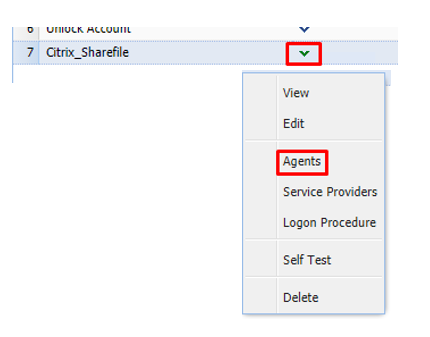
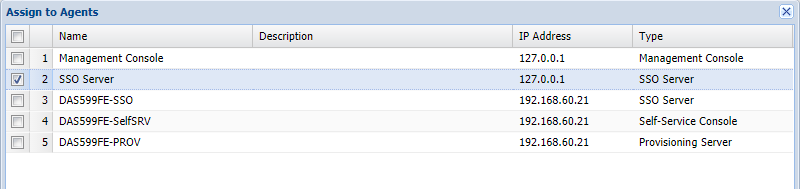
Tick the box of the SSO Server you will be using and click Save below.
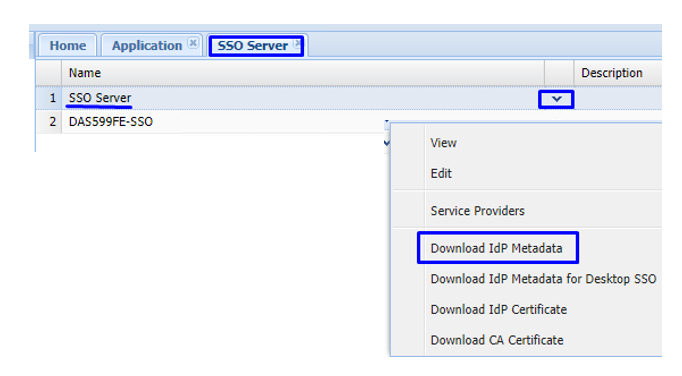
Select the drop down menu corresponding to the SSO server you will be using and click on Download IDP Metadata.