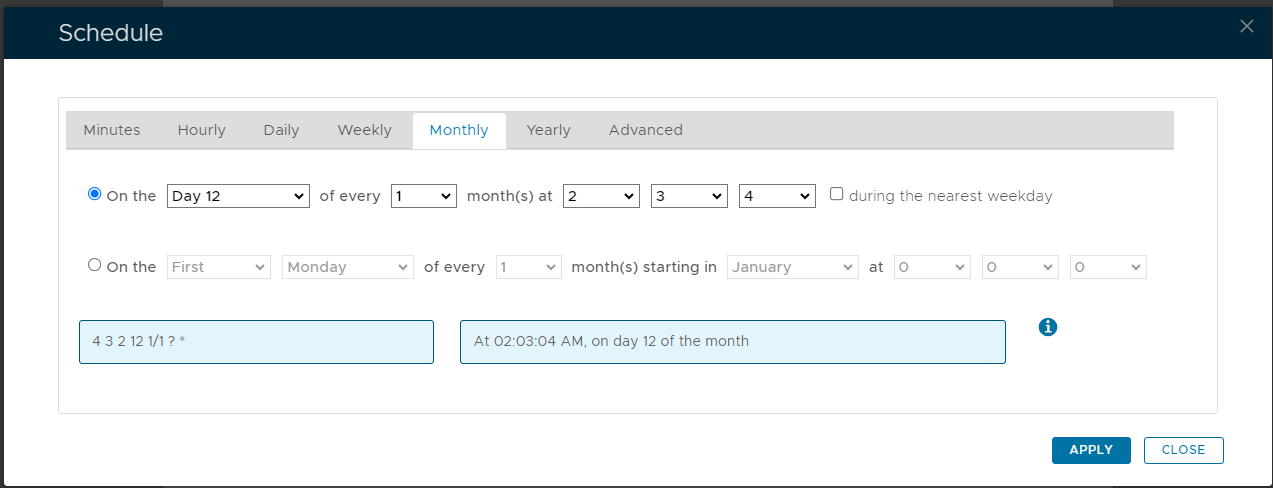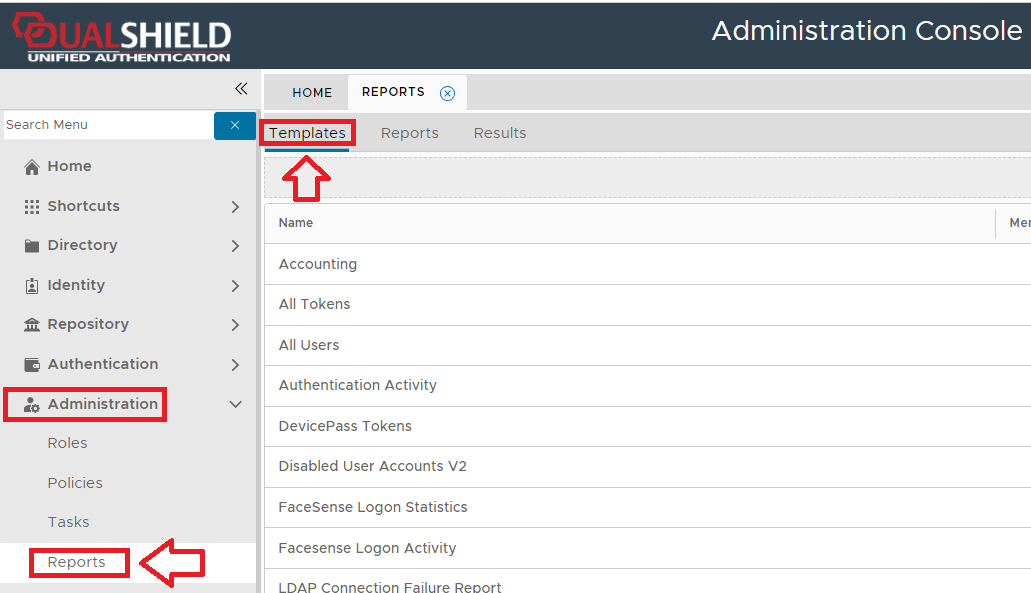
To create a report, navigate to "Administration | Reports", then select the tab "Templates";
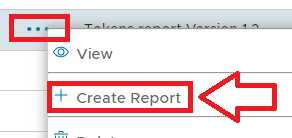
Left click on the context menu of the report template you will base the report on, then select "Create Report";
A new window titled "Report - New" will now open that can now be used to create the required report;
|
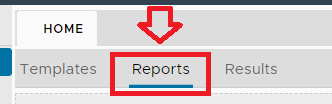
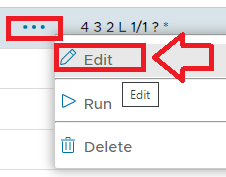
Once this report has been saved, the newly created report may later be edited by clicking on the "Reports" tab and using the "Edit" context menu options;
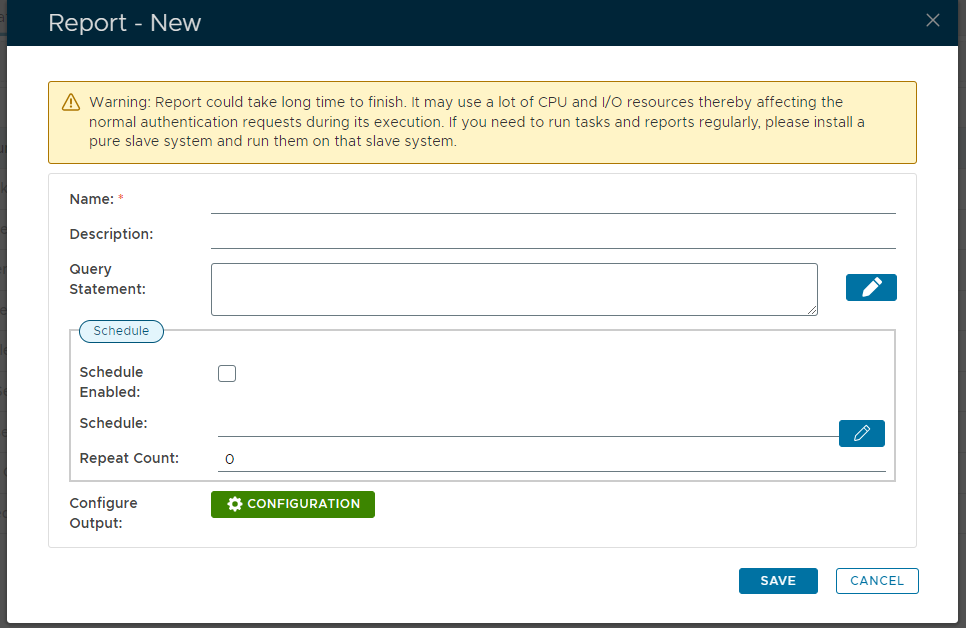
 icon);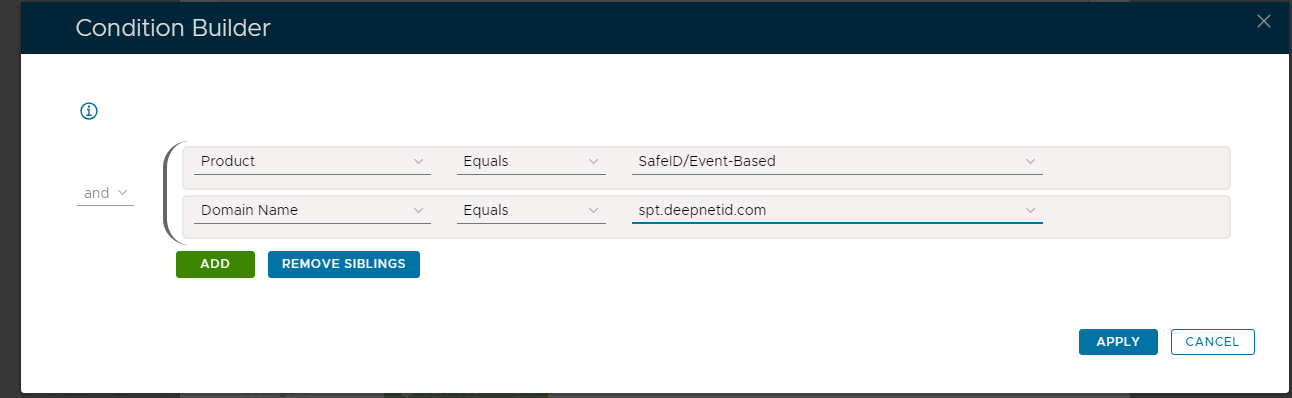
 button.
 icon;
icon;