Introduction

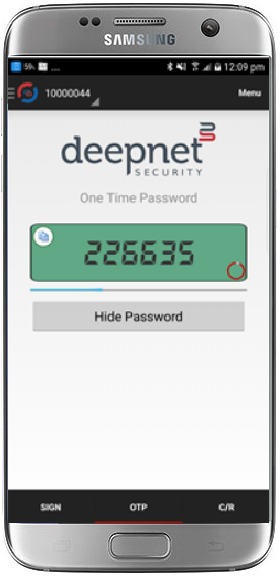
MobileID transforms mobile phones, tablets, PCs and USB drives into One-Time Password tokens. It is a small app that runs on your mobile devices and generates one-time passwords for strong two-factor authentication.

This policy provides options that control MobileID/Time-Based Authentication using a small app on mobile devices that generates one-time passwords for strong two-factor authentication;

The policy can be found by navigating to "Administration | Policies", then scrolling down to the policy "MobileID/Time Based default policies";


The MobileID/Time-Based policy settings can be edited by left clicking on the context menu of the policy and selecting "Edit"";

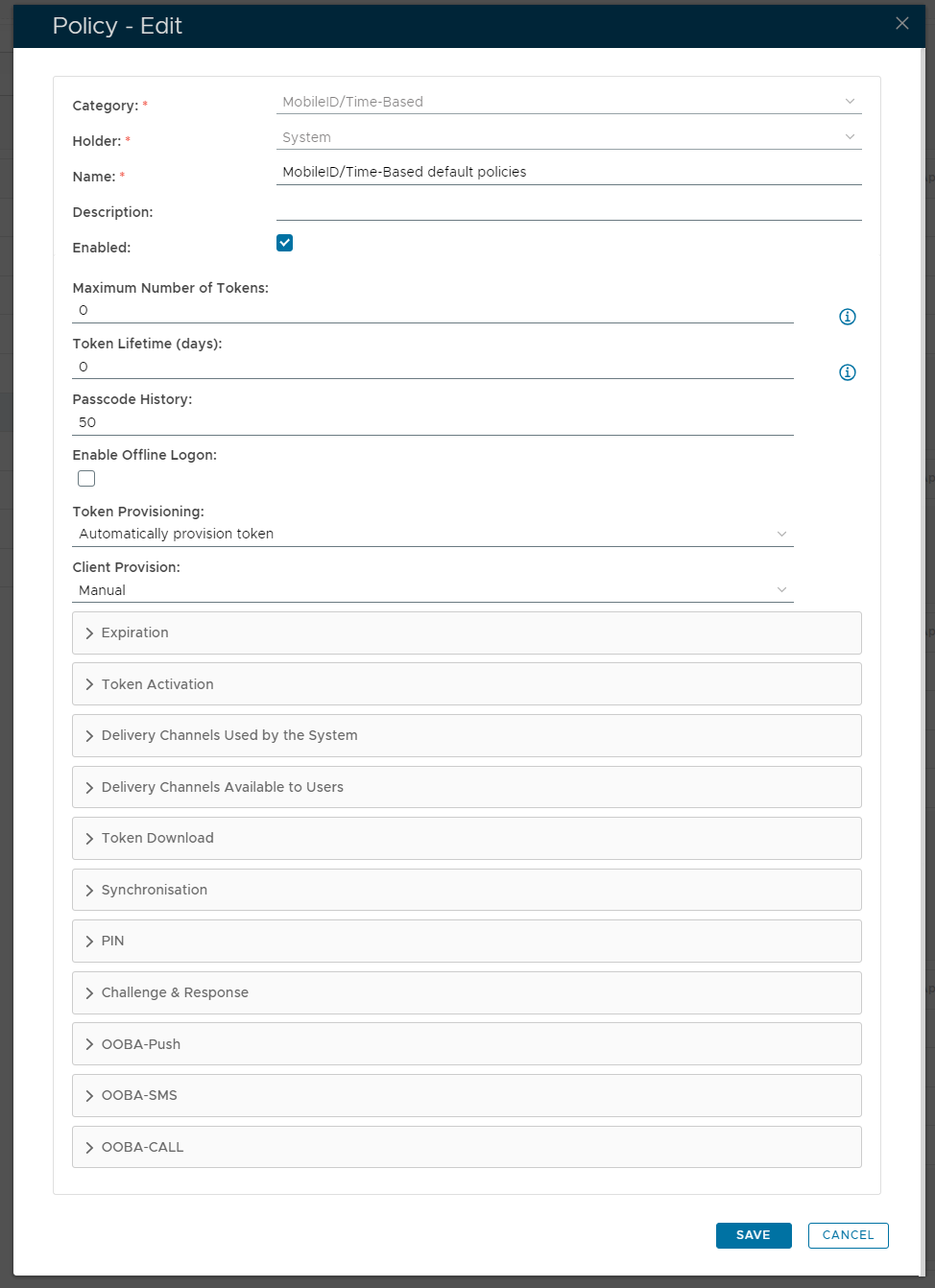
A new window will not open titled "Policy - Edit";


The category for this policy is "MobileID/Time-Based" (this property cannot be edited).


The holder of this policy is "System" (this property cannot be edited).


The name assigned to identify the MobileID/Time Based default policy by the System Administrator.


The System Administrator may use this field to annotate this policy.


This option allows the System Administrator to enable or disable this policy.


The maximum number of MobileID tokens allowed in a user account (enter "0" if there is no limit).


This value indicates how many days the token will be active (enter "0" if there is no limit).


This value specifies the maximum number of passcodes that can be kept in the History List (this list is used to avoid repeat usage of recent passcodes).


This option allows the system administrator to allow users to logon whilst offline.


In order to use MobileID Authentication in DualShield, the user must first have a MobileID token in their user account in the DualShield Server. 

The token can be manually created by the system administrator for the user using the DualShield Management Console or manually created by the DualShield Server if the MobileID's policy is set up to automatically provisioning tokens to users.

  • Automatically provision token
    Automatically create a token for a user when needed.

  • Manual
    Tokens will be sent manually to users.


This field determines how DualShield deploys the MobileID client to a user;

  • Automatically push
    DualShield will automatically send the MobileID download link via the specified Message Channel.

    If the Token Authorisation Code is required and its policy is set to automatically send Authorisation Code, then the Authorisation Code will also be sent in the same message.

    To complete automatic provisioning of clients you will also need to configure the Message Channel fields "Primary Delivery Channel:" and "Secondary Delivery Channel:"

  • Manual
    DualShield will not send out a download link to the user (the user will need to find and download the MobileID from app stores).


The expandable sections can be broken down as follows;


EXPIRATION

TOKEN ACTIVATION

DELIVERY CHANNELS USED BY THE SYSTEM

DELIVERY CHANNELS AVAILABLE TO USERS

TOKEN DOWNLOAD

SYNCHRONISATION

PIN

CHALLENGE AND RESPONSE

OOBA-PUSH

OOBA-SMS

OOBA-CALL