The purpose of this task is to export audit data from the database. Once the data has been exported you may optionally purge the deleted data.
Unlike the similar task "Purge old audit trail records", this task performs an export of all records that will be purged prior to purging the old audit trail records (and consequently it runs much slower).
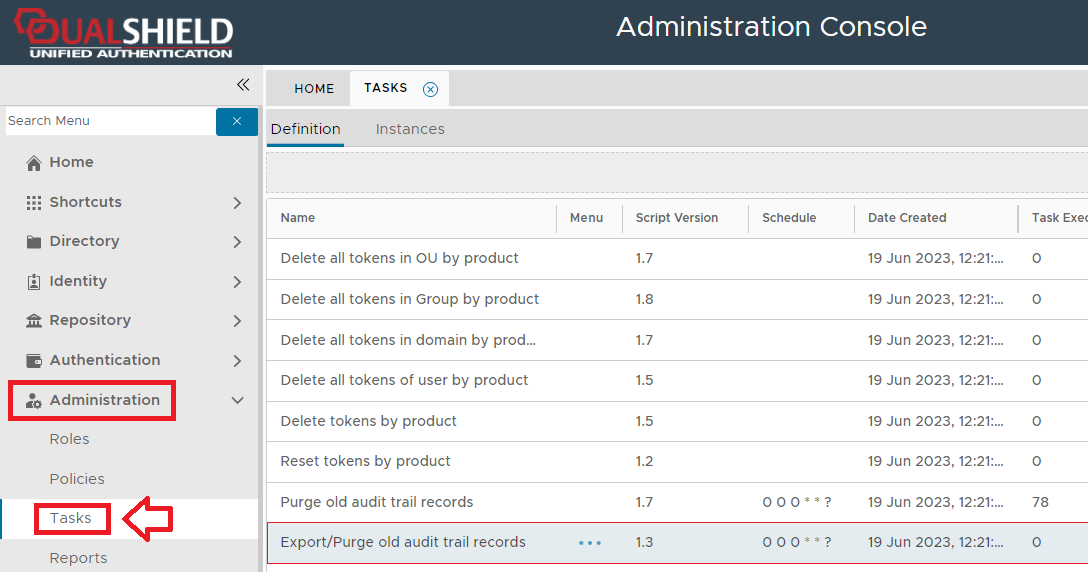
The task can be found by navigating to "Administration | Tasks", then scrolling down to the task "Delete all tokens in OU by product";
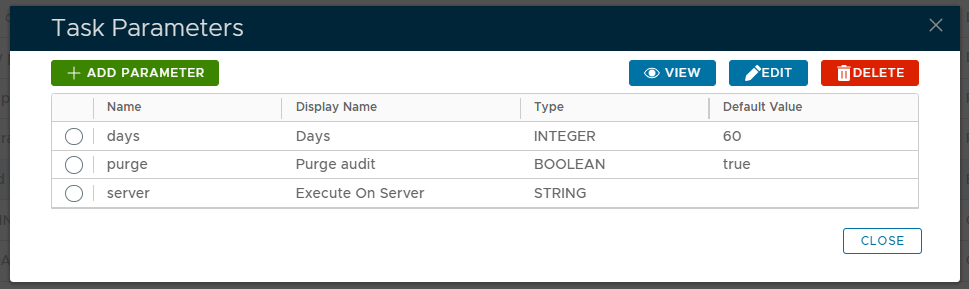
The task parameters are used by the task script to determine which tokens are to be deleted and are edited by left clicking on the context menu of the task and selecting "Parameters";
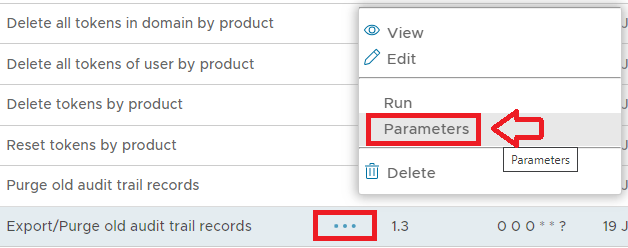
A new window titled "Task Parameters" will now open that lists the parameters making them available for editing, and the default parameters for this task are as follows;
|
The parameters may then be editing by selecting one of the parameters, then clicking on the  button.
Editing and Scheduling the Task
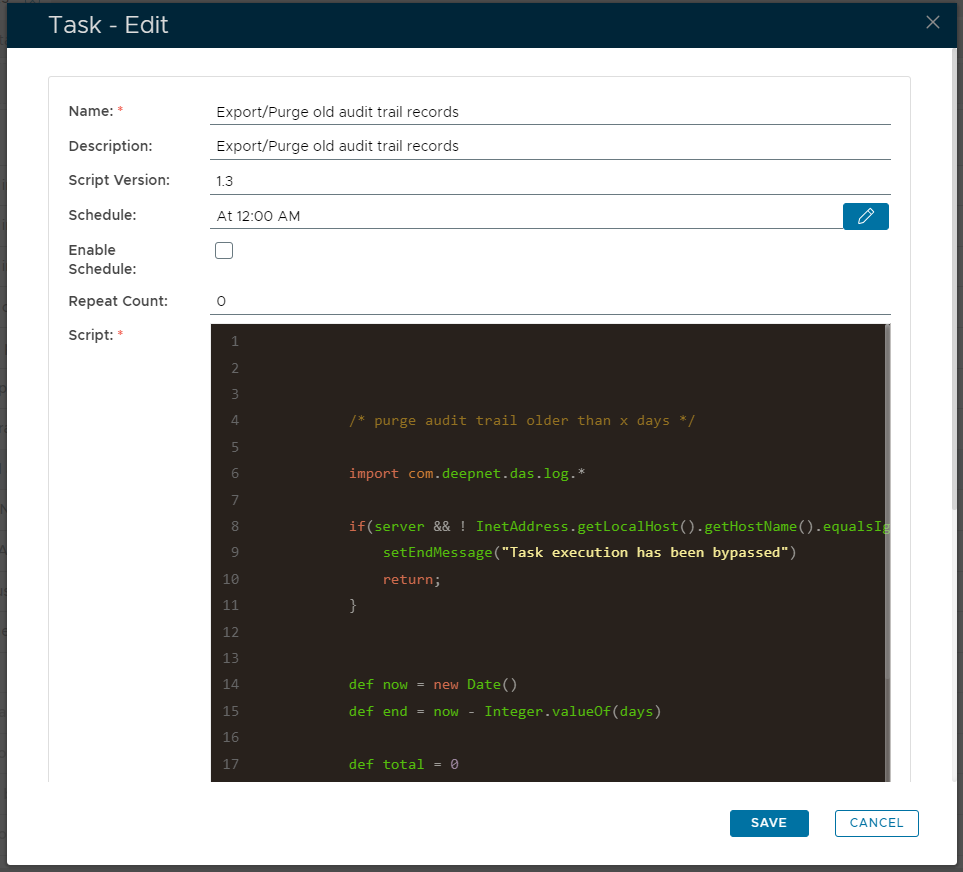
The task can be edited by left clicking on the context menu of the task and selecting "Edit";

A new window will now open titled "Task - Edit";
|
Select the "Enable Schedule" checkbox to ensure the task schedule is activated, then use the pencil icon (" ") to specify the time and frequency settings for automated task execution.

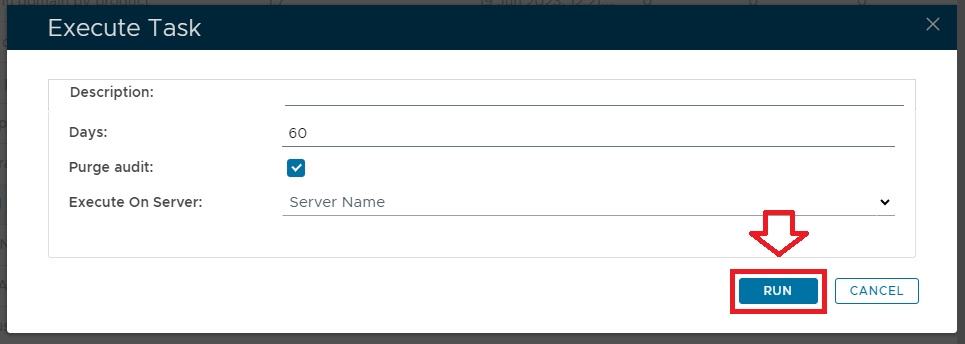
The task can be run manually from the management console by left click on the context menu of the task, then selecting "Run";
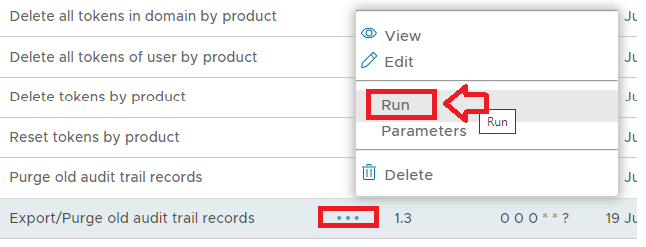
A new window will open titled "Execute Task" will then open (the window will be populated with the default task property values);
|
To execute the task click the  button.
The Exported CSV file will be found in C:\Program Files\Deepnet DualShield\export or \opt\dualshield\export on Linux