
If you included the Help Desk Verification Service in the installation of your DualShield server, then the following components with the same name "Help Desk Verification Service" will be automatically created in the MFA server:
To set up the Help Desk Verification Service, you only need to configure the realm and logon procedure that are used by the Help Desk Verification Service, and you also need to create a new logon policy for the Help Desk Verification Service.
Please follow the steps below:
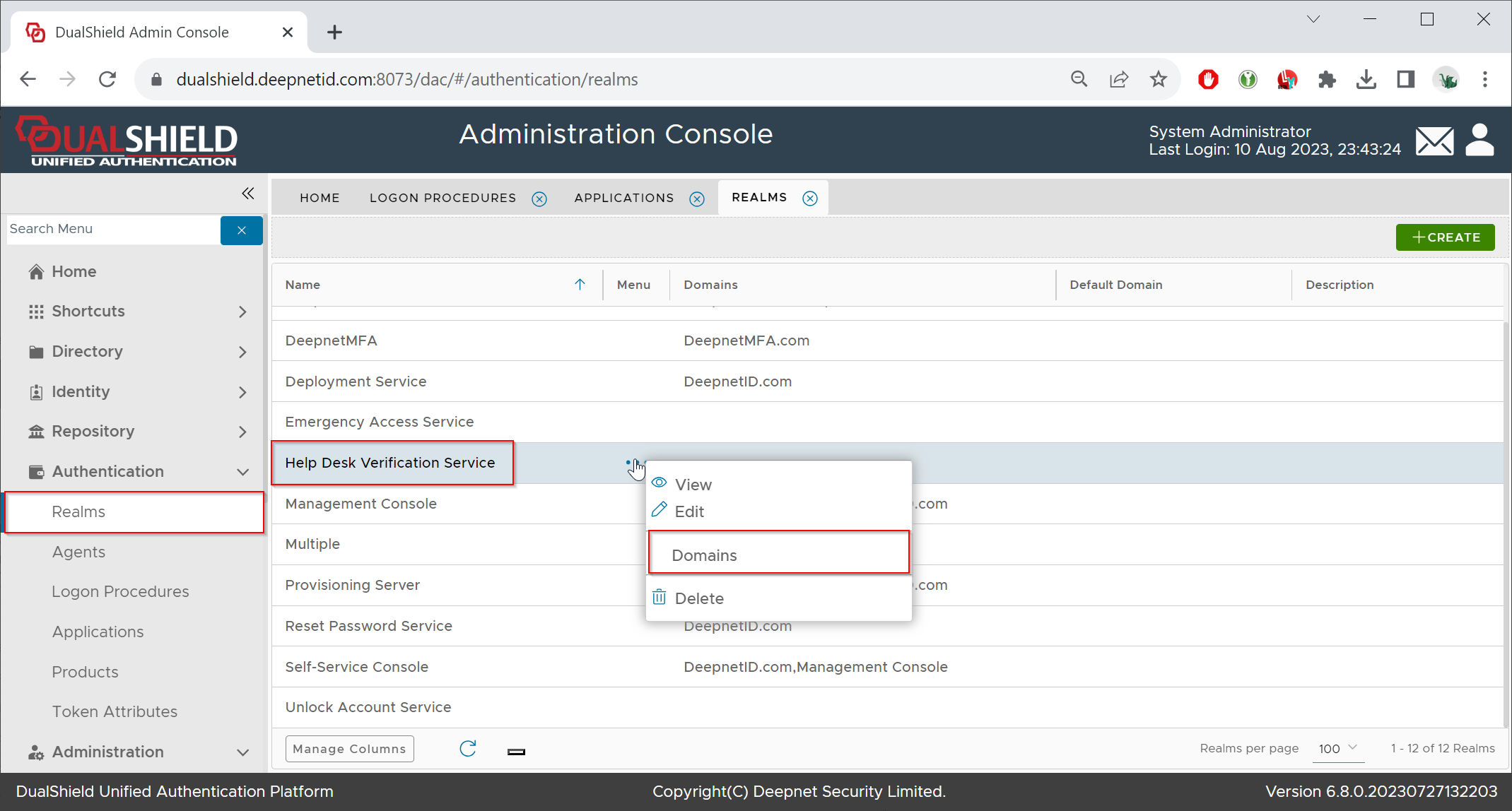
For the realm, you simply need to add the AD domain to the realm

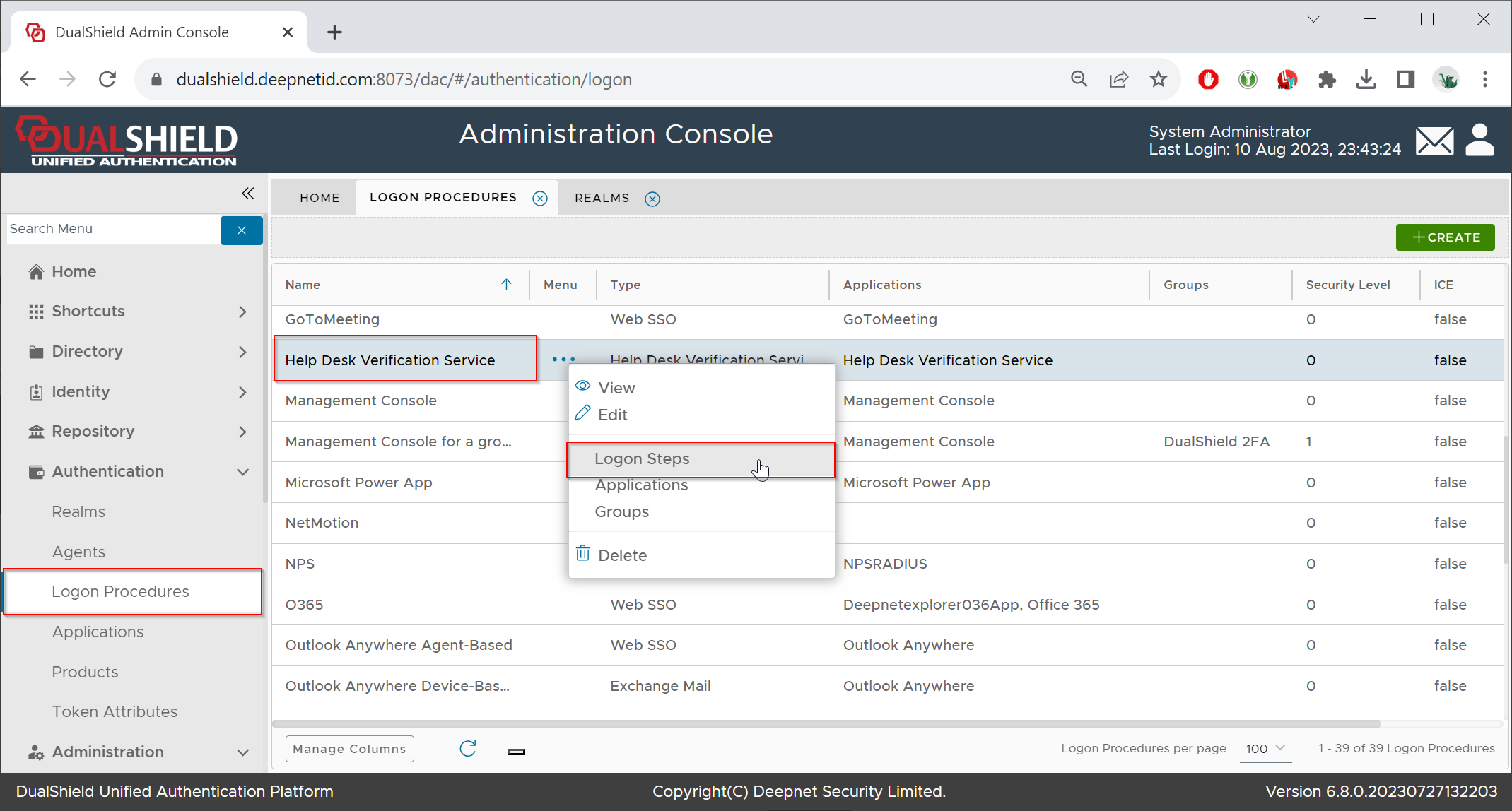
The logon procedure defines how users can be verified. You need to add logon steps and authentication methods
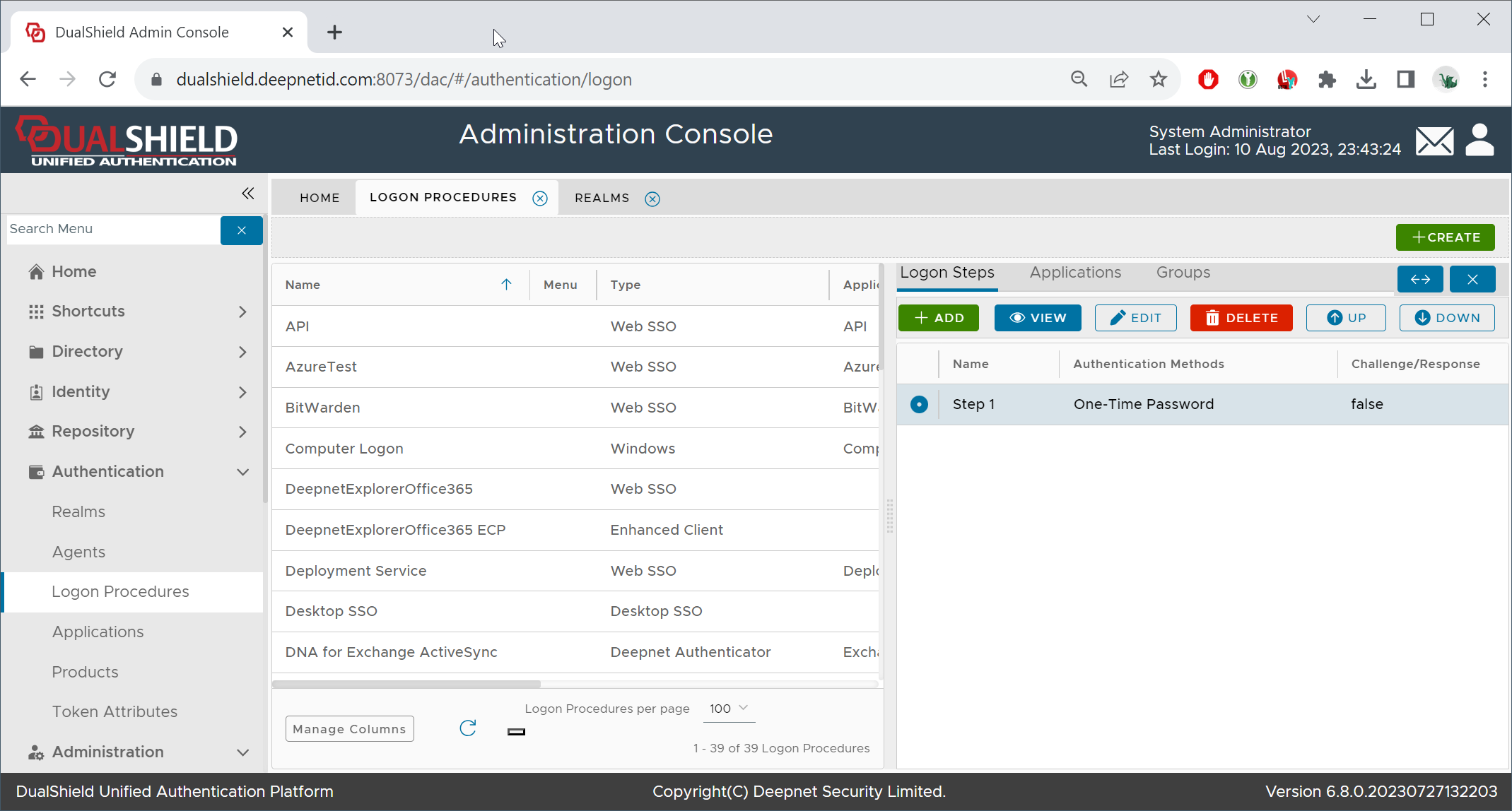
Add any authentication method that can be used to verify a user's identity, e.g. One-Time Password.
The Help Desk Verification Service is used by the admin or helpdesk team to verify the identity of users. Therefore, you need to make sure that MFA is enabled on all users. The simplest and most reliable way of enabling MFA on all users is to create a dedicated logon policy for the Help Desk Verification Service application.
Create a new logon policy, and apply the new policy to the Help Desk Verification Service application. Also, select "Multi-factor authentication is required for all users"
