Follow this wiki:
Step 1: On the DualShield server machine, open the Windows Command Prompt
Step 2: Enter the command below:
"c:\Program Files\Deepnet DualShield\jre\bin\keytool" -list -v -keystore "c:\Program Files\Deepnet DualShield\jre\lib\security\cacerts" -alias dualultimateca
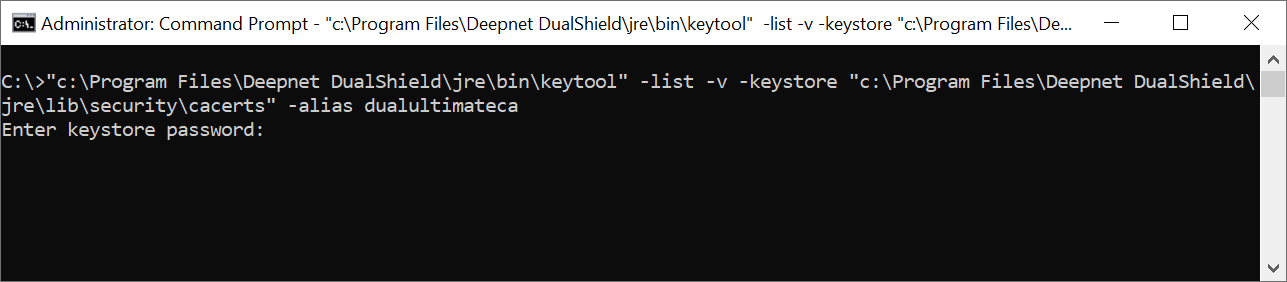
Step 3: At the prompt of “Enter keystore password:”, enter “changeit”
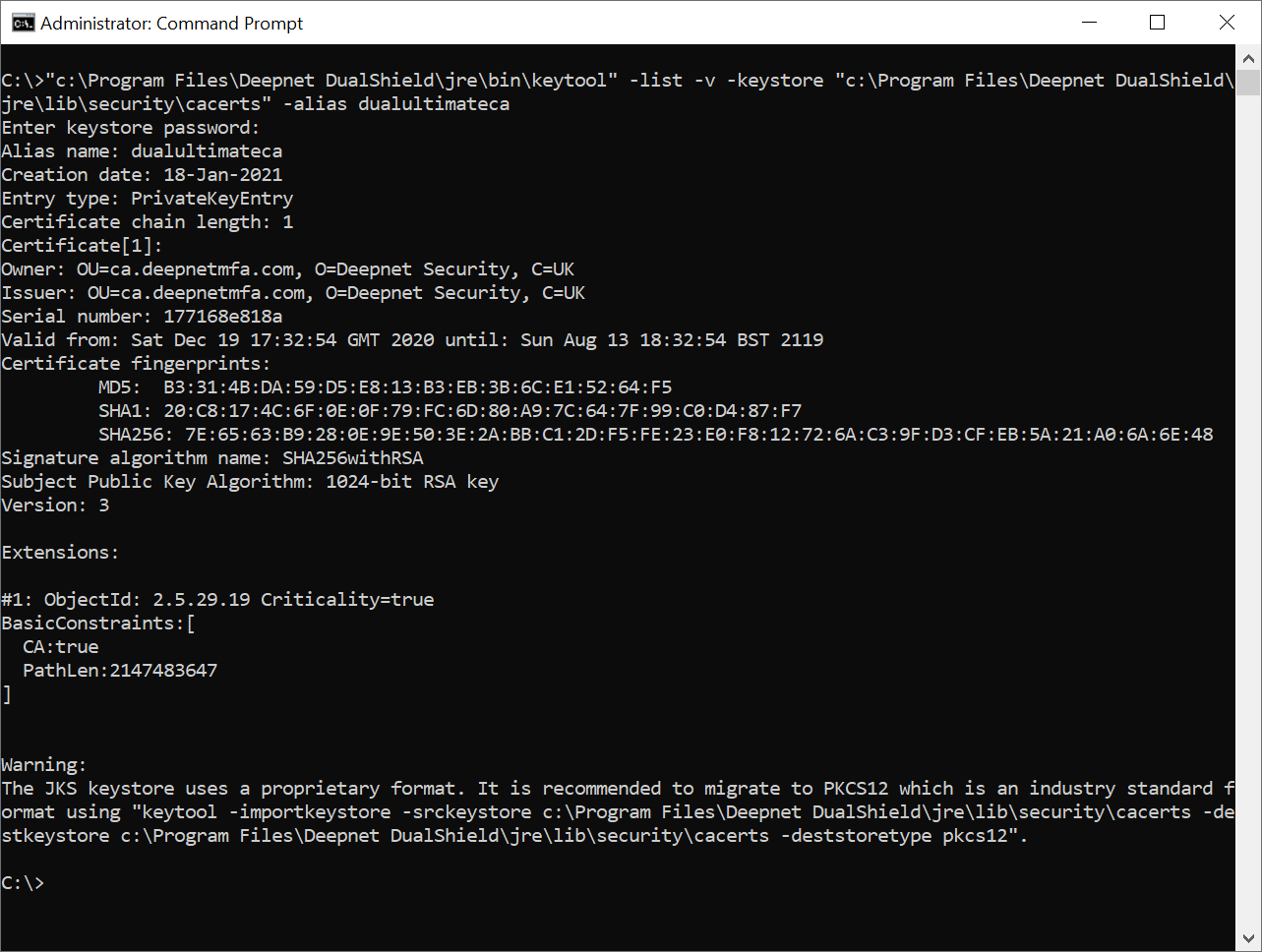
Step 4: Look out the line “Valid from … until …” in the result.
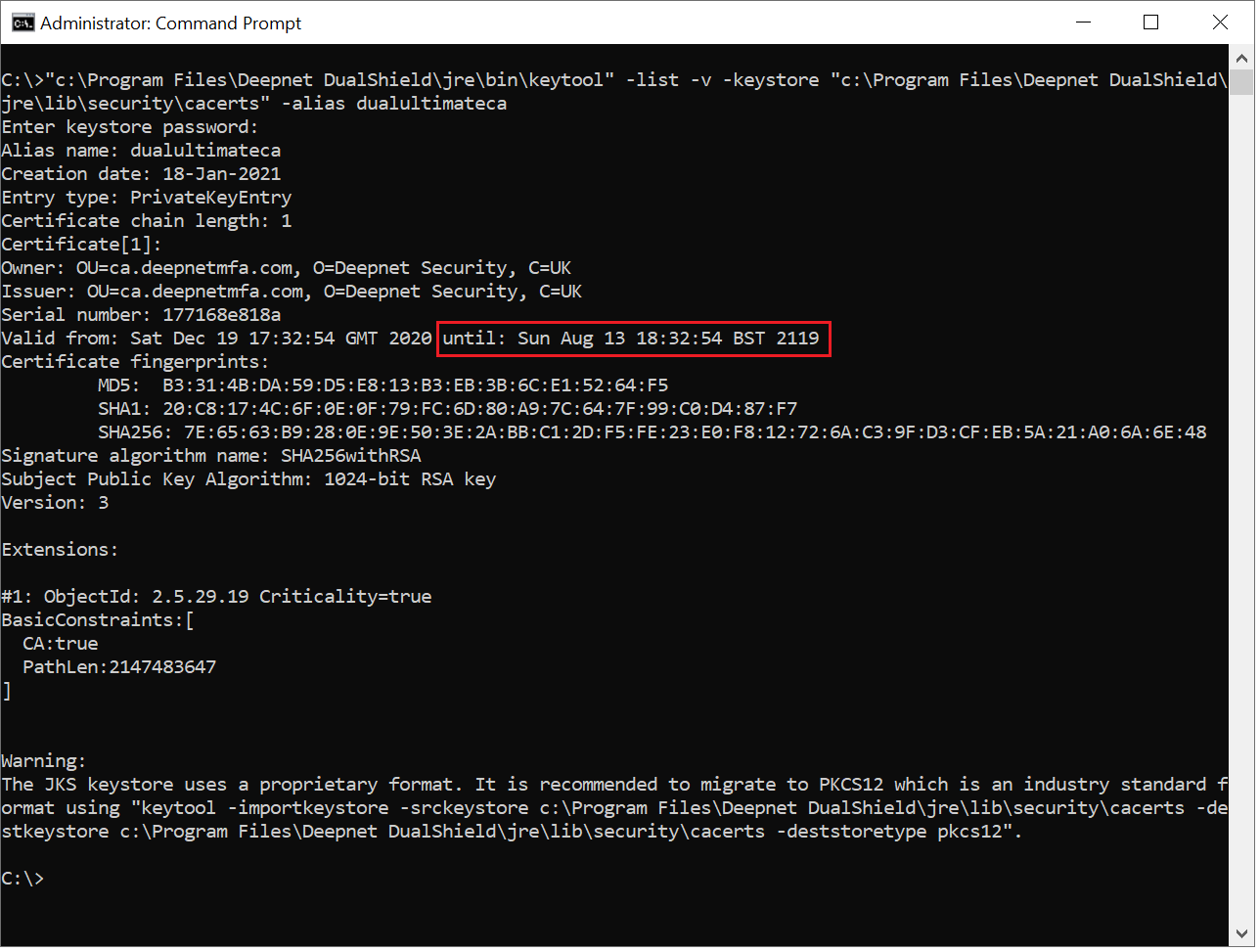
The date after "until:" is the expiration date of the DualShield CA certificate.