Set up Deployment Service
| Expand | ||||||
|---|---|---|---|---|---|---|
|
...
Configure Policy Settings
| Expand | ||||||
|---|---|---|---|---|---|---|
|
Activate Device
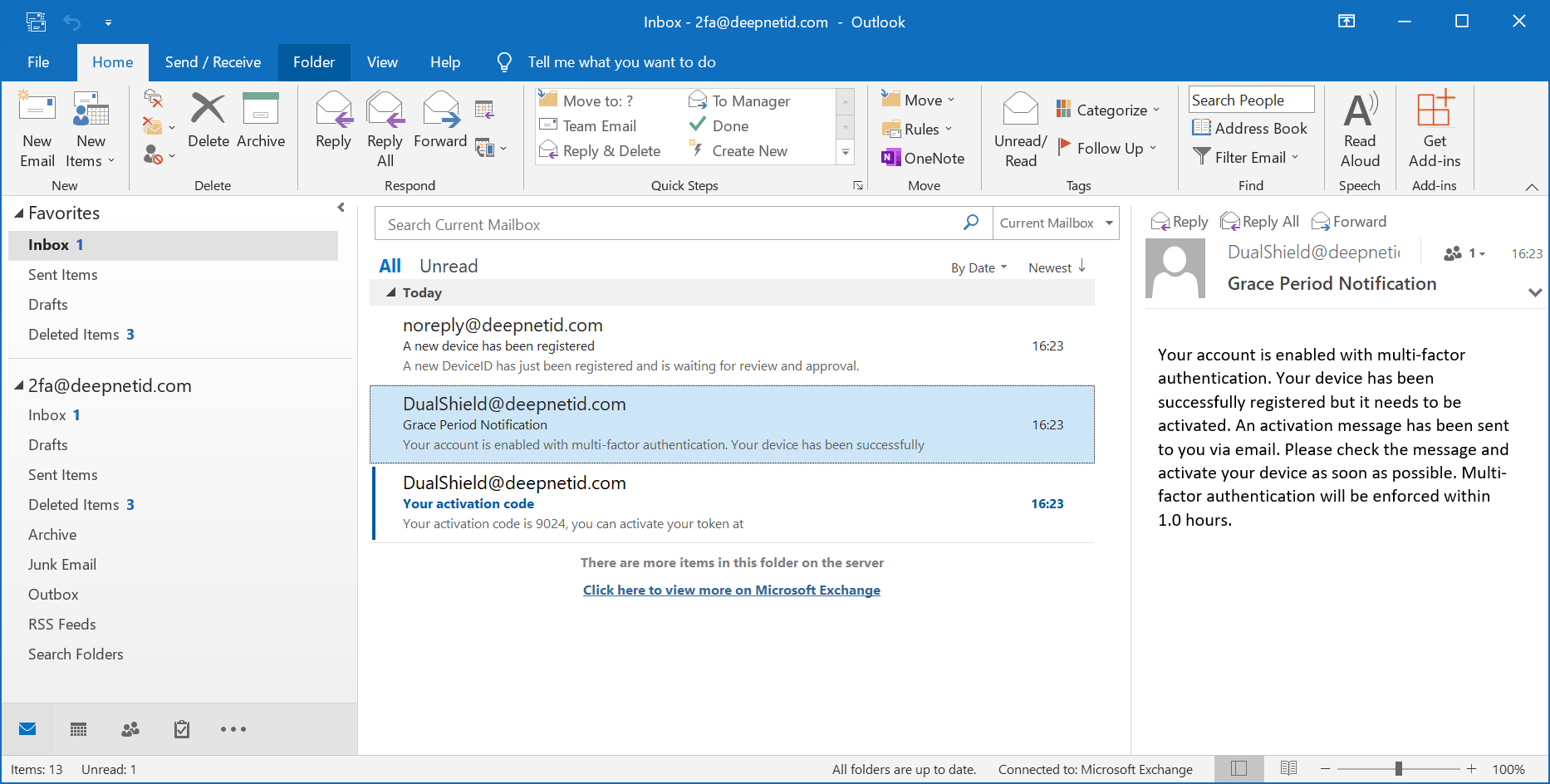
If you have set up the alert for DeviceID registration and cc the message to the user, then the user will receive an email or text message when a device has been registered:

For the self-service to work, you would have enabled the grace period policy. The user will receive a grace period notification message:
For the self-service to work, you would have also enabled the activation message policy. The user will receive an activation message:
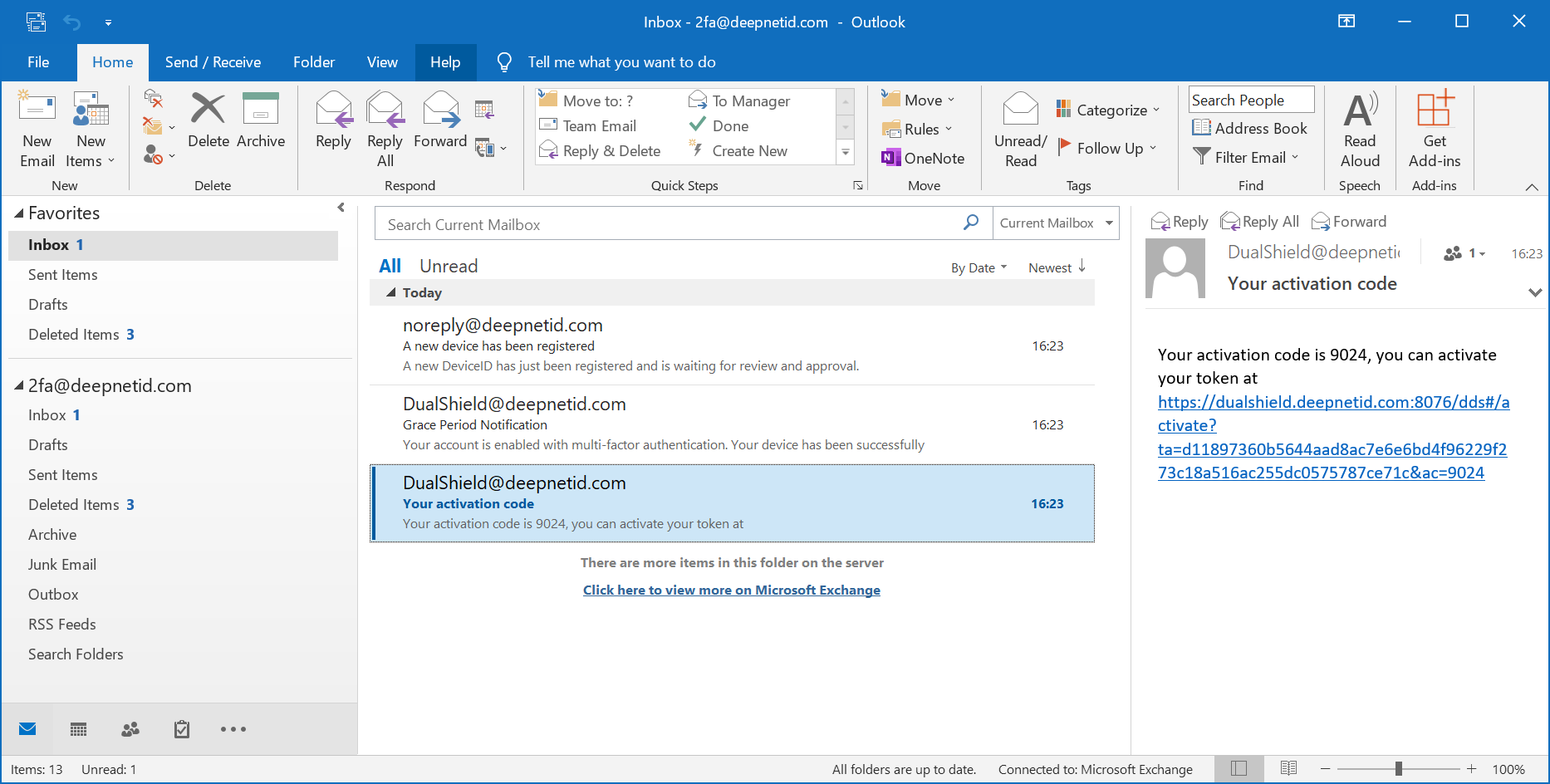
Clicking the activation link will take the user to the DualShield Deployment Service (DDS) portal:

After the user has been successfully authenticated, the user will be able to view the device that's waiting to be activated:
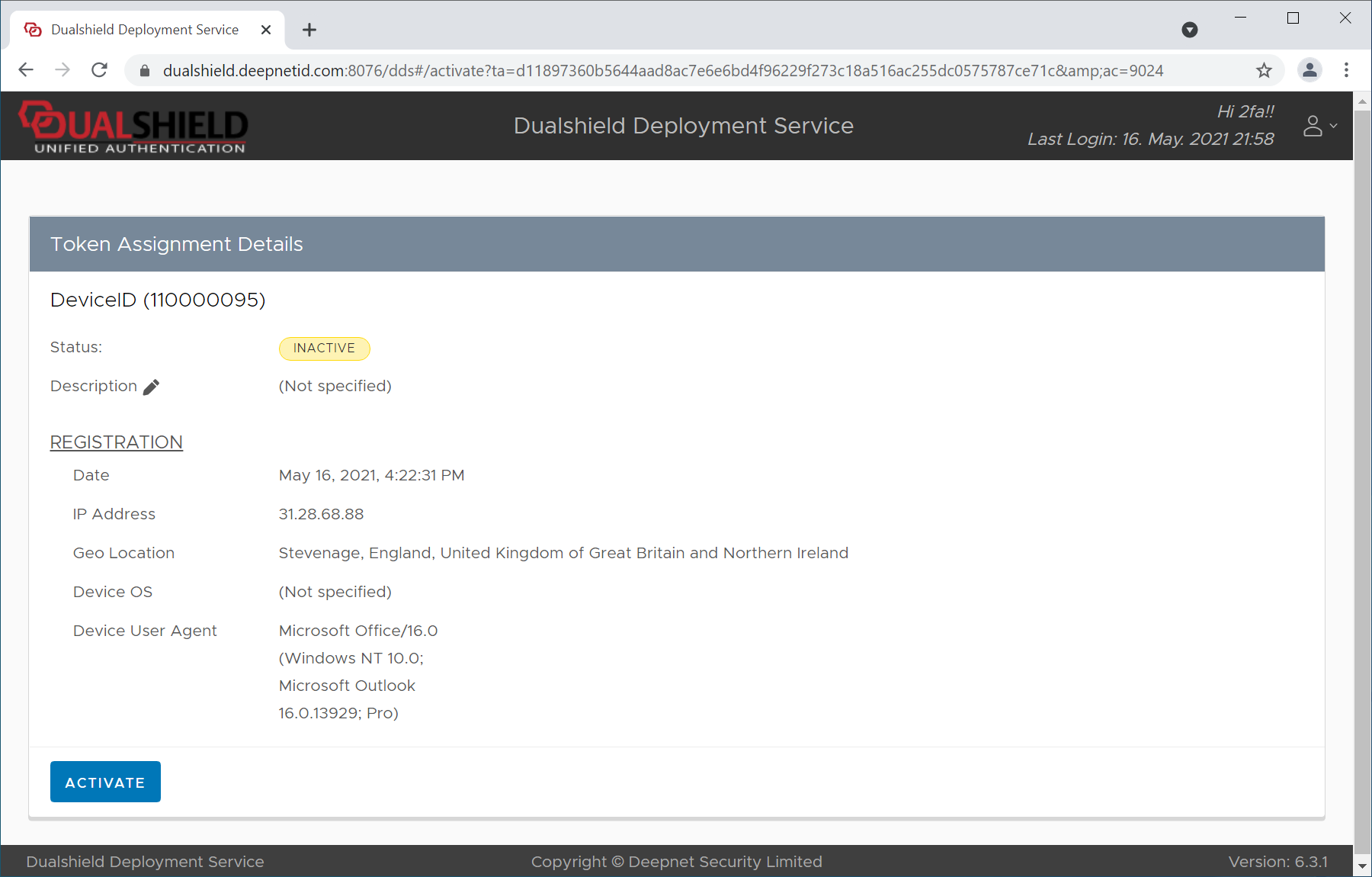
To activate the device, click the Activate button
If the policy is set in such that an activation code is required, then the user will be prompted to enter the activation code:

...
Customize Message Template
To allow users to self-activate their devices, you need to customize the message template for device activation
| Expand | ||||||
|---|---|---|---|---|---|---|
|