Step 1: General
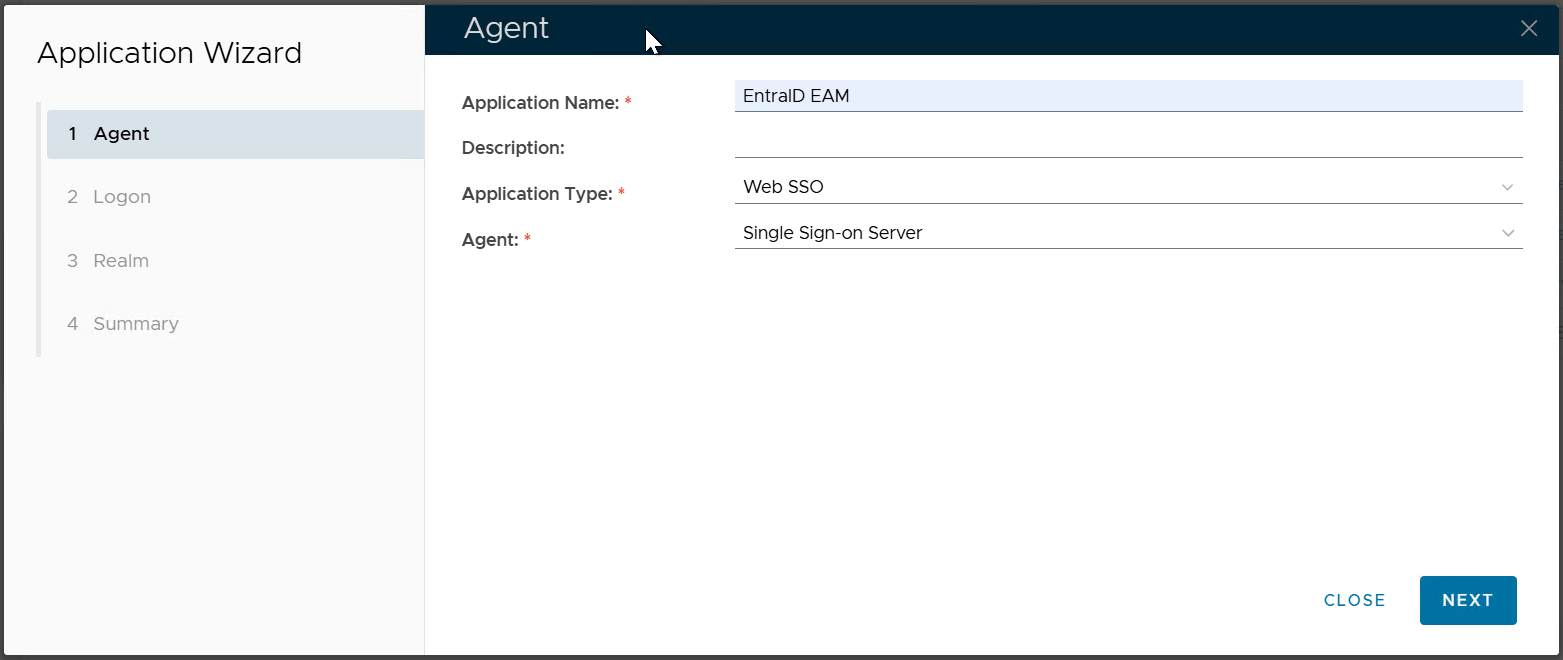
Enter the Application Name
...
Select the Agent where the application will be published
Click "NEXT"
Step 2: Logon Procedure
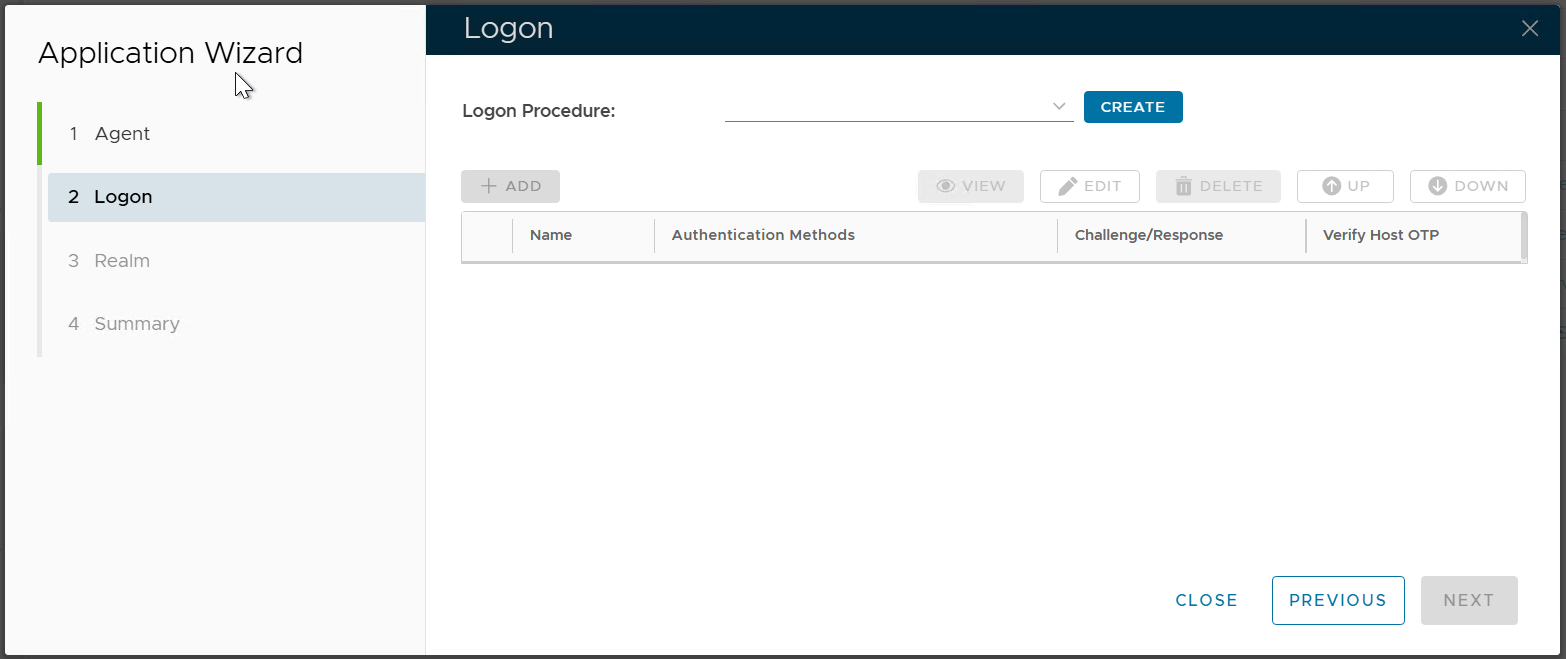
If you already have a Logon Procedure that you want to use, then select it.
...
Click the "ADD" button to add logon steps and methods as required or desired
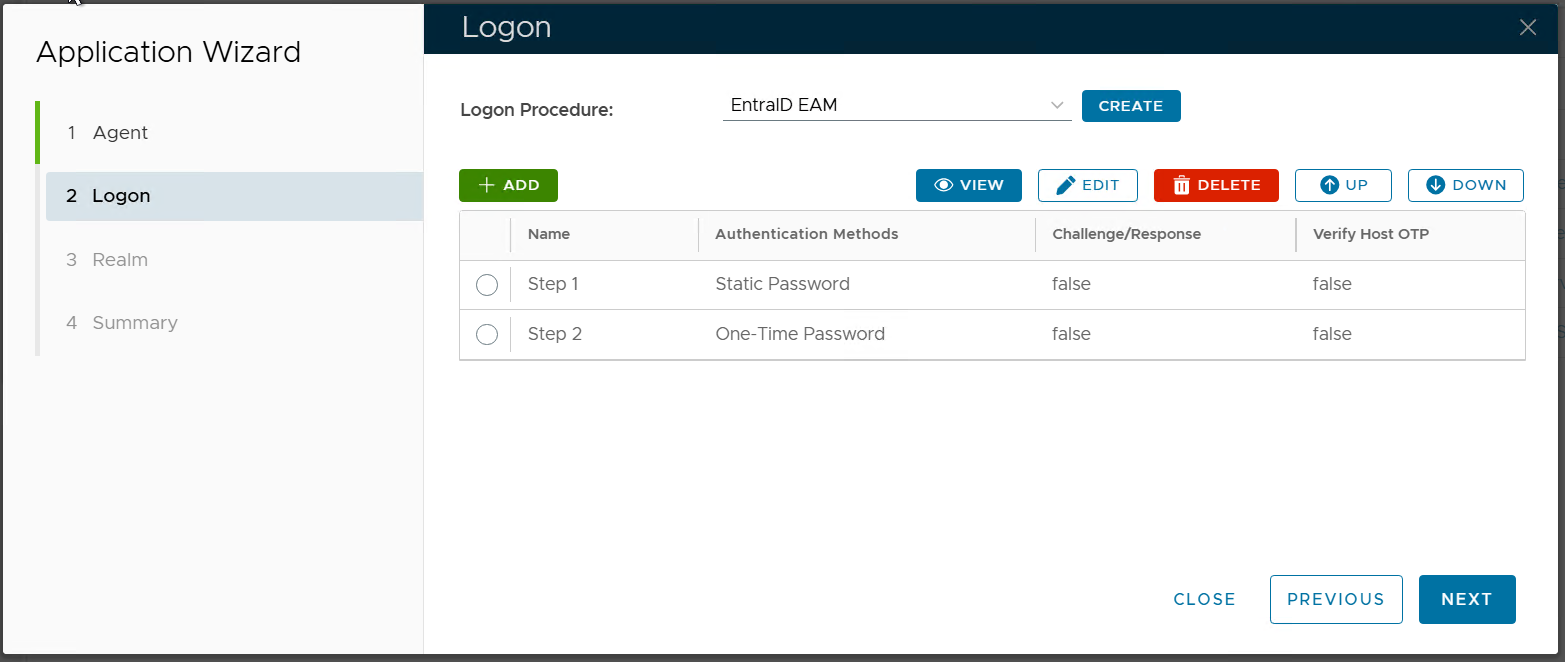
Click "NEXT
Step 3: Realm
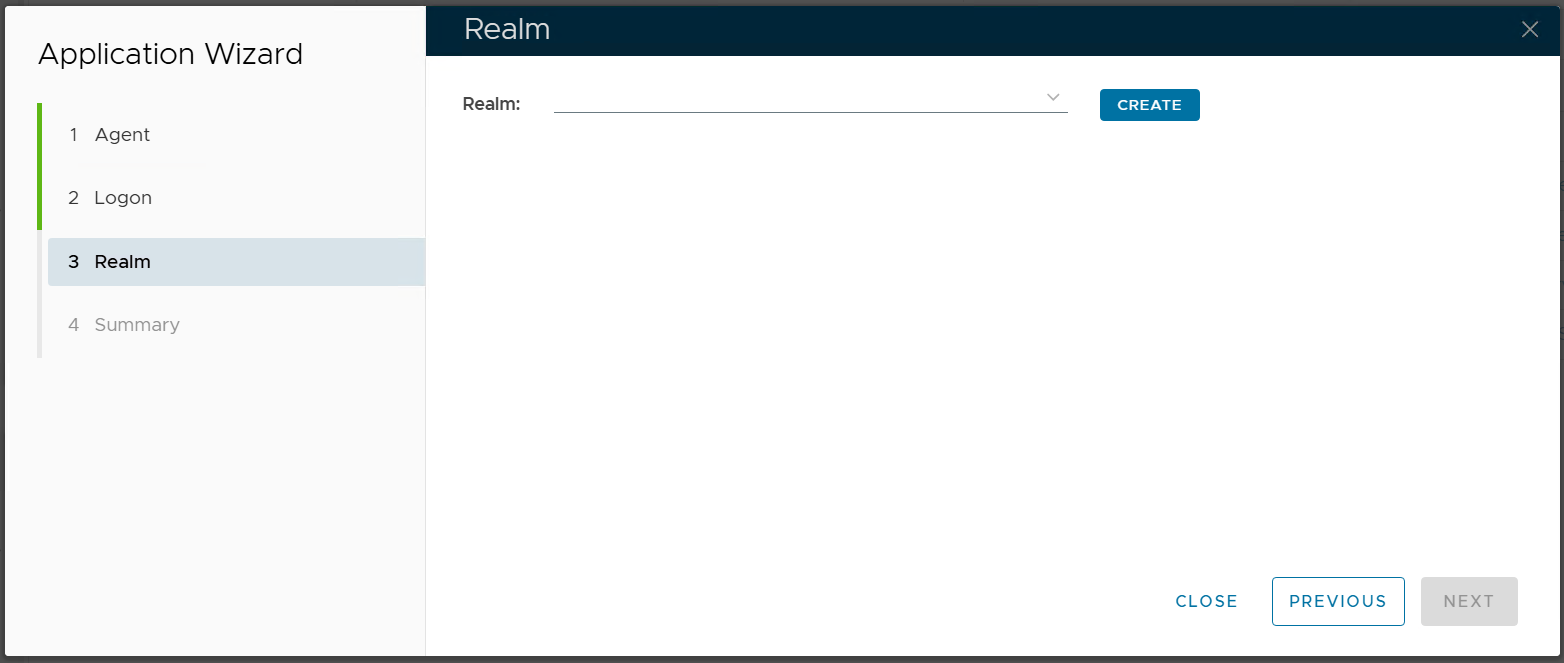
If you already have a realm that you want to use, then select it
...
Select the newly created realm, e.g. "Entra EAM"
Click "NEXT"
Step 4: Summary
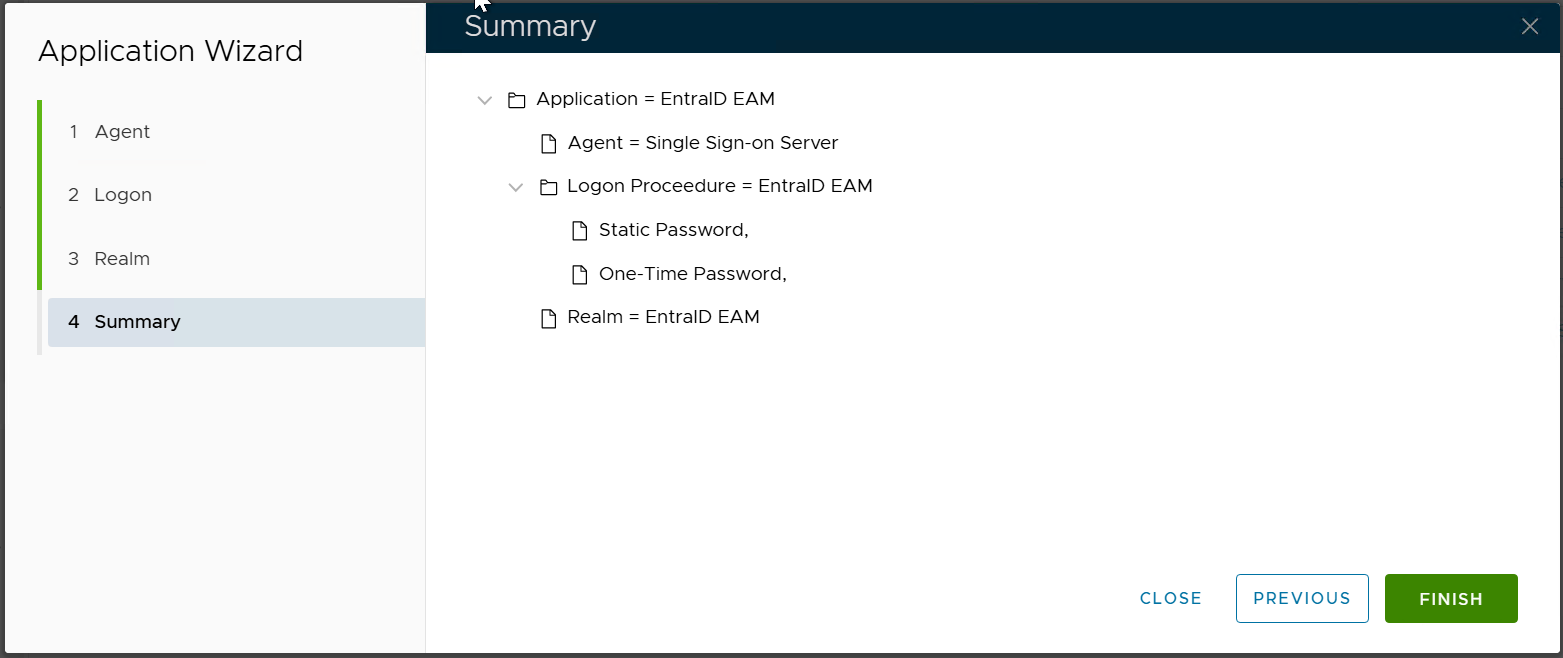
click "FINISH"