...
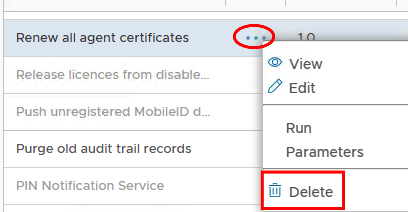
This tool will create a task in DualShield called Renew all agent certificates.

Step 4: Restart the DualShield Server service once, and wait for DualShield to fully start (see How to check if a DualShield server is fully started )
Step 5: Restart the DualShield Server Service again.
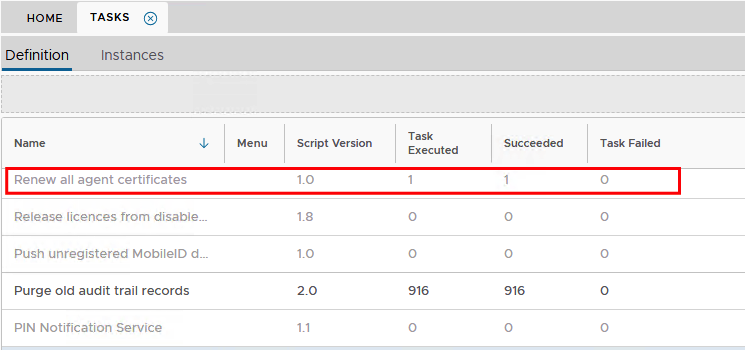
Step 6: After restarted the dualshield service, log back in to the Admin console and go to Administration>Tasks. Check to see if the task has been executed succesfully.
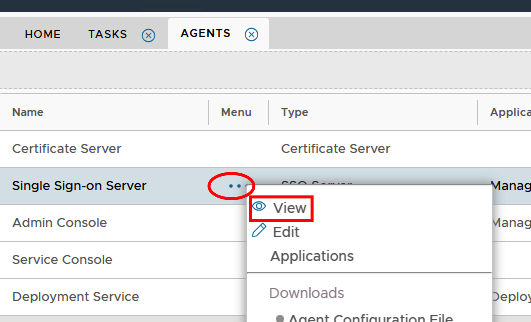
Step 7: Go to Authentication>Agents and view any internal agent, such as Single Sign-On, Admin Console or Service Console
Step 8: Select Client Certificate and then click on Read More at the bottom of the window.
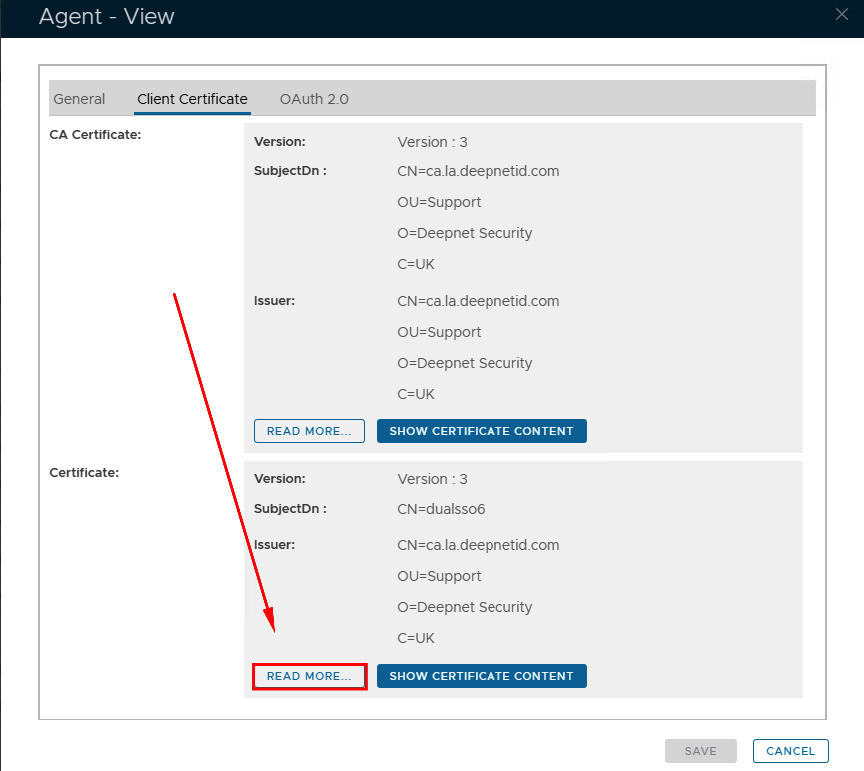
Step 9: Check the date of issue to ensure the certificate has updated succesfully.
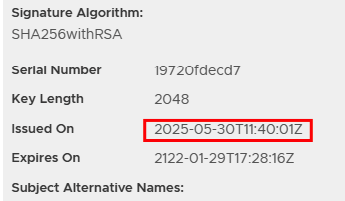
Step 10: Go back to Administration>Tasks and delete the Renew all agent certificate task.